New employees are at higher risk of getting hurt than experienced workers. They don’t know the facility, the equipment, or the unwritten rules yet. They may be nervous about asking questions or feel pressure to prove themselves. Insurance and safety research has consistently found that a disproportionate share of workplace injuries happen to employees in their first year on the job.
A strong safety orientation is your first and best chance to change that. This guide covers why orientation matters, what OSHA expects, and a detailed checklist you can adapt for your workplace.
Why New Hire Safety Orientation Matters
New Workers Face Unfamiliar Hazards
Even experienced workers coming from another employer face new equipment, processes, layouts, and procedures. Hazards that long-time employees handle automatically are unknown to a new hire.
First Impressions Shape Safety Culture
What new employees hear and see in their first days tells them how much the company really values safety. If orientation is a rushed video and a signature on a form, they learn that safety is paperwork. If it’s thorough, hands-on, and led by people who care, they learn that safety matters here.
Many OSHA Standards Require Initial Training
Several OSHA standards require training at the time of initial assignment or before an employee is exposed to a hazard. Orientation is the natural place to cover those requirements and document them.
What OSHA Requires
OSHA doesn’t have a single “new hire orientation” standard, but many standards require training before or at the start of work. Depending on your operations, these can include:
- Hazard Communication (29 CFR 1910.1200): Training on hazardous chemicals at the time of initial assignment.
- Emergency Action Plans (29 CFR 1910.38): Review of the plan with each employee when the plan is developed, when the employee is initially assigned, and when responsibilities or the plan change.
- Personal Protective Equipment (29 CFR 1910.132): Training before an employee does work that requires PPE.
- Lockout/Tagout (29 CFR 1910.147): Training for authorized and affected employees.
- Powered industrial trucks (29 CFR 1910.178): Training and evaluation before operating a forklift.
- Bloodborne pathogens (29 CFR 1910.1030): Training at the time of initial assignment for employees with occupational exposure.
Construction, maritime, and other industries have their own standards. OSHA also expects training to be presented in a language and vocabulary workers can understand.
The New Hire Safety Orientation Checklist
Adapt this checklist to your workplace. Not every item applies to every job, and high-hazard roles will need more.
Before the First Day
- Identify the hazards of the new employee’s specific job, using job hazard analyses where available
- Determine which OSHA-required trainings apply to the role
- Prepare required PPE in the correct sizes
- Assign a mentor or experienced “buddy”
- Schedule orientation sessions and on-the-job training
- Confirm the employee’s preferred language for training materials
Company Safety Culture and Expectations
- Explain the company’s safety policy and commitment, ideally from a senior leader
- Introduce the safety manager and safety committee members
- Explain stop work authority and the employee’s right to raise concerns
- Explain the company’s non-retaliation policy
- Review general safety rules and consequences for violations
- Emphasize that asking questions is expected
Facility Tour and Emergency Procedures
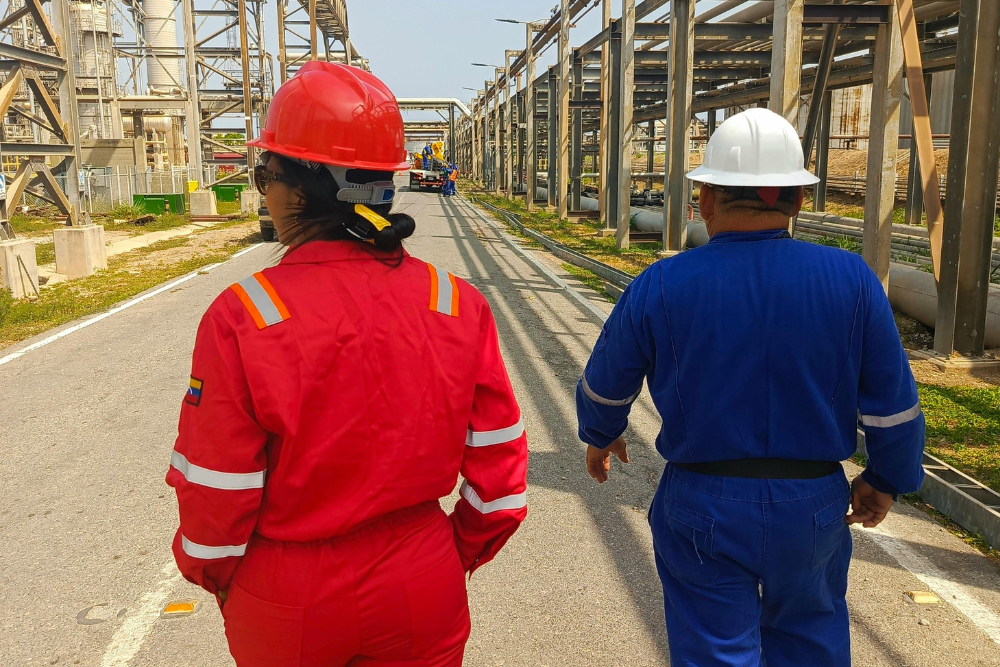
- Walk the facility, highlighting hazardous areas and restricted zones
- Show emergency exits and evacuation routes
- Show assembly points
- Show the locations of fire extinguishers, alarms, first aid kits, AEDs, and eyewash stations
- Review the emergency action plan, including fire, severe weather, chemical spill, and medical emergencies
- Explain how alarms sound and what each one means
- Identify who is in charge during emergencies
Injury and Incident Reporting
- Explain how and when to report injuries, no matter how minor
- Explain how to report near misses and hazards
- Show how to use the reporting system, whether paper, phone, or app
- Explain how first aid and medical treatment work
- Confirm that reporting is protected from retaliation
Hazard Communication
- Explain the hazard communication program
- Show how to read labels and safety data sheets
- Show where SDSs are kept and how to access them
- Identify hazardous chemicals the employee will work with
- Explain protective measures and what to do in case of exposure
Personal Protective Equipment
- Explain what PPE is required for the job and why
- Fit and issue PPE
- Demonstrate how to put on, take off, adjust, and wear PPE
- Explain PPE limitations
- Explain care, maintenance, storage, and replacement
- Have the employee demonstrate correct use
Job-Specific Hazards and Procedures
- Review job hazard analyses for assigned tasks
- Train on safe operating procedures for equipment
- Review machine guarding and why it must never be removed or bypassed
- Review lockout/tagout procedures, as applicable
- Review ergonomics and safe lifting
- Review fall hazards and fall protection, as applicable
- Review electrical safety basics
- Review vehicle and forklift traffic rules on site
- Review any permits required, such as hot work or confined space
Fleet and Driving (if applicable)
- Review the company’s driving policy, including distracted driving
- Review vehicle inspection requirements
- Complete DOT driver qualification requirements for CDL roles
- Explain accident reporting procedures for vehicles
Health and Wellness
- Review heat and cold stress precautions, as applicable
- Explain the policy on drug and alcohol use
- Share employee assistance program and mental health resources
- Review fatigue management and break policies
Documentation and Follow-Up
- Have the employee sign training records for each topic
- Record trainer name, date, topics covered, and materials used
- Schedule follow-up check-ins at 30, 60, and 90 days
- Confirm the mentor will observe the employee’s work
- Schedule any additional certifications or refresher training
Best Practices for Effective Orientation
Spread Training Out
Cramming every topic into one long day leads to information overload. Cover critical items, such as emergency procedures, reporting, and immediate job hazards, on day one. Spread the rest over the first week or two, and reinforce it on the job.
Make It Hands-On
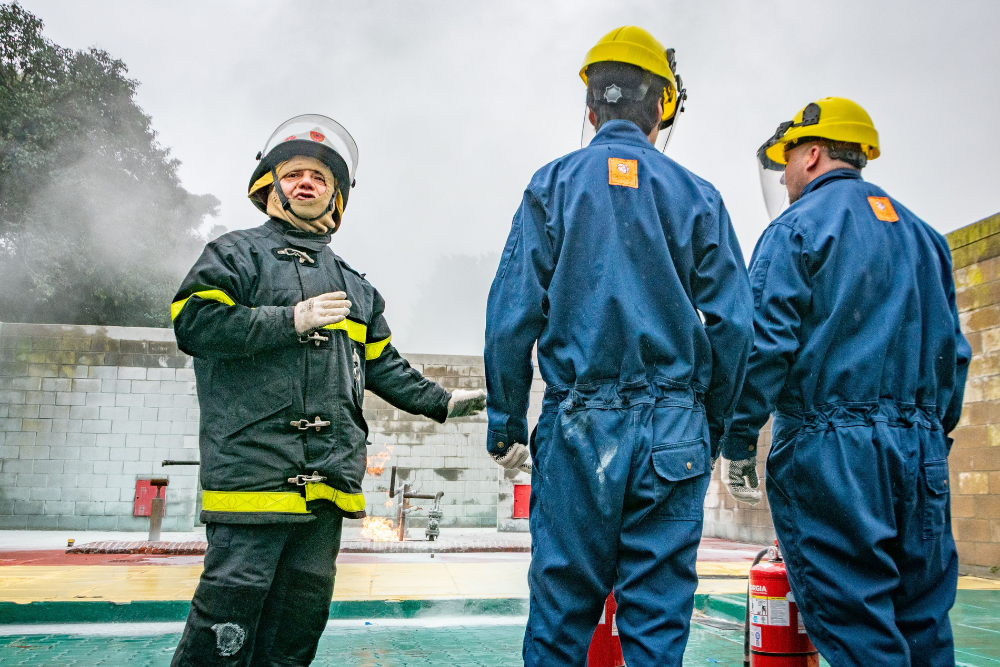
People remember what they do much better than what they hear. Use demonstrations, walk-throughs, and practice. Have new hires point out hazards during the facility tour and demonstrate PPE use and procedures before they’re signed off.
Use a Mentor Program
Pair new employees with an experienced worker who models safe behavior. Mentors answer questions, catch mistakes early, and help new employees feel comfortable speaking up. Choose mentors carefully, because new hires will copy their habits, good and bad.
Check Understanding
Don’t just collect signatures. Use short quizzes, ask questions, and observe new hires on the job. If an employee can’t explain how to report an injury or where the nearest exit is, the training didn’t work.
Address Language and Literacy
Provide training in the employee’s language and at an appropriate reading level. Use pictures, demonstrations, and translated materials. Confirm understanding rather than assuming it.
Include Temporary and Contract Workers
Temporary workers face the same hazards as permanent employees, and often more, because they move between sites frequently. Under OSHA’s joint-responsibility approach, both the staffing agency and the host employer share responsibility for temporary workers’ safety. Make sure temps get site-specific orientation.
Follow Up
Orientation is not a one-time event. Check in at 30, 60, and 90 days. Ask what’s confusing, what hazards they’ve noticed, and whether they feel comfortable raising concerns. New employees often notice risks that long-time workers have stopped seeing, so ask them.
How Software Simplifies Orientation
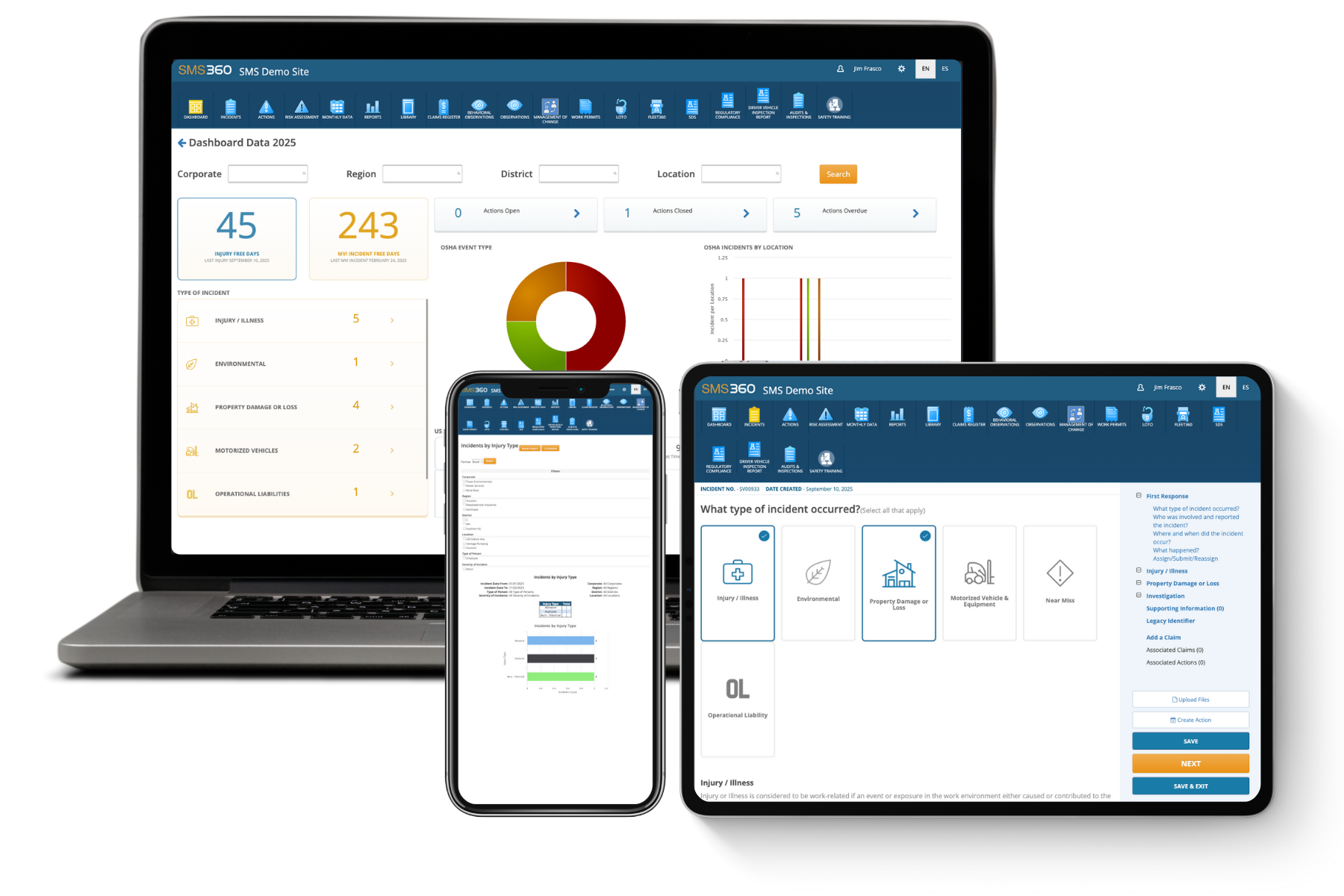
Tracking orientation for every new hire across multiple sites gets complicated fast. Training management software like SMS360 lets you assign orientation modules by role, track completion, store signed records digitally, schedule refreshers automatically, and pull training records instantly during an audit or OSHA inspection.
Frequently Asked Questions
How long should a new hire safety orientation take?
There is no single required length, because it depends on the industry, the job, and the hazards involved. An office employee might need a few hours, while a new hire in construction, manufacturing, or oil and gas may need several days of initial training before working independently. Rather than trying to fit everything into one session, most effective programs break orientation into stages. Day one covers critical items like emergency procedures, injury reporting, required PPE, and the most serious hazards of the job. The first week or two covers job-specific procedures and OSHA-required training, delivered alongside supervised on-the-job work. Follow-up check-ins at 30, 60, and 90 days reinforce what was learned. The goal is understanding, not hours logged, so measure success by whether new employees can explain and demonstrate safe practices.
Is new hire safety orientation required by OSHA?
OSHA doesn’t have one standard titled “new hire safety orientation,” but many OSHA standards require training at the time of initial assignment or before an employee is exposed to a hazard. These include hazard communication, emergency action plans, personal protective equipment, lockout/tagout, powered industrial trucks, bloodborne pathogens, and others, depending on your operations. Construction and other industries have their own training requirements. In practice, a new hire orientation is how most employers meet these obligations. OSHA also expects training to be delivered in a language and vocabulary employees understand. Beyond specific standards, the OSH Act’s General Duty Clause requires employers to provide a workplace free from recognized hazards, and adequate training is part of meeting that duty. Keeping good documentation of orientation is essential, because training records are often among the first things OSHA asks for during an inspection.
What should be included in a safety orientation for new employees?
A complete safety orientation covers the company’s safety policy and culture, including stop work authority and non-retaliation; a facility tour showing exits, assembly points, and emergency equipment; the emergency action plan; how to report injuries, near misses, and hazards; hazard communication, including labels and safety data sheets; PPE selection, fit, use, and care; job-specific hazards and safe procedures; and any OSHA-required trainings that apply to the role, such as lockout/tagout or forklift operation. Depending on the job, it may also include fall protection, electrical safety, ergonomics, driving and fleet policies, heat and cold stress, and drug and alcohol policies. Every orientation should end with documentation, signed records, a check on understanding, and a schedule for follow-up. Tailor the content to the specific hazards your new hire will actually face.
Who should conduct new hire safety orientation?
Orientation works best when several people share it. The safety manager or EHS coordinator typically leads the general safety portion, covering policies, emergency procedures, reporting, and hazard communication. The new hire’s direct supervisor should handle job-specific training, since they know the tasks and set expectations day to day. An experienced mentor or buddy can reinforce safe habits during the first weeks on the job. Senior leaders should take part where possible, even briefly, because hearing about safety commitment from leadership sends a powerful message. Specialized topics, such as forklift certification or confined space entry, should be taught by qualified trainers. Whoever teaches, they need to know the material, communicate clearly, and model safe behavior themselves. A trainer who cuts corners on the floor will undo everything said in the classroom.
How should you document new hire safety training?
Good documentation should show who was trained, what topics were covered, when the training happened, who delivered it, and how understanding was confirmed. For each employee, keep signed training records listing topics and dates, the trainer’s name and qualifications, the materials used, and results of any quizzes or skill demonstrations. Some OSHA standards have specific certification requirements. Forklift training, for example, requires a certification that includes the operator’s name, training date, evaluation date, and evaluator’s name. Store records where they can be retrieved quickly, since they may be requested during an OSHA inspection, an incident investigation, or a lawsuit. Digital training management systems make this much easier, letting you track completion across sites, flag overdue training, and pull records instantly. Keep records for at least the length of employment, and longer where specific standards or your legal counsel recommend it.