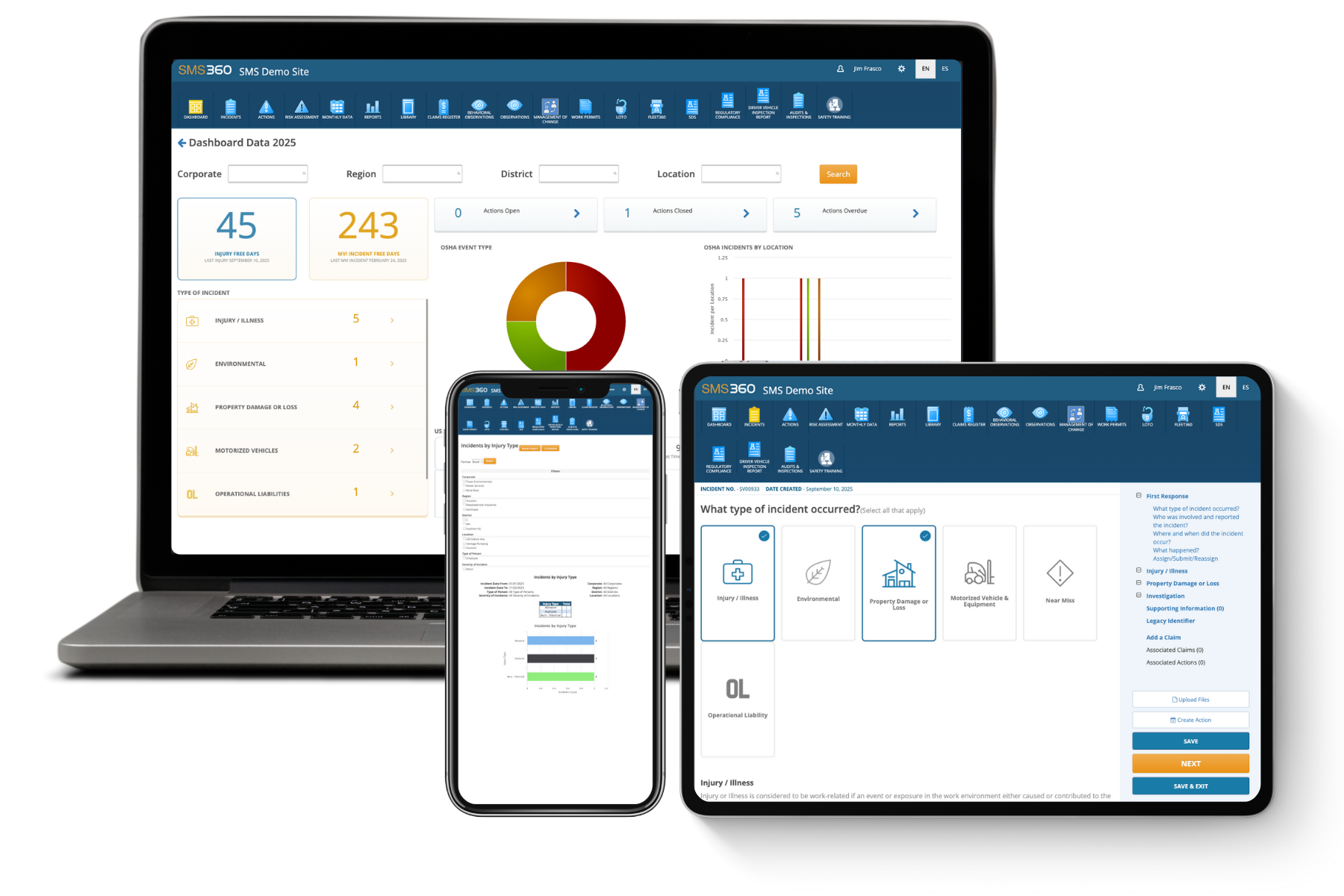
When it comes to enhancing your risk management strategies, Safety Data Reports are essential tools in your arsenal. These reports provide critical insights into workplace incidents, safety trends, and compliance issues, all of which can inform decisions that help minimize risks. As organizations grapple with fluctuating safety standards, leveraging these reports can mean the difference between maintaining a safe workplace and facing costly accidents.
Understanding Safety Data Reports for Better Risk Assessment
Safety data reports typically compile information from various incidents and safety audits. Utilizing risk assessment software, businesses can transform raw data into actionable insights. Here are a few key elements included in these reports:
- Incident rates: Metrics detailing how often accidents occur.
- Common hazards: Identification of trending risks across your organization.
- Compliance issues: Records of non-compliance that could expose the organization to penalties.
- Employee feedback: Insights from personnel on observed risks and safety measures.
Using these elements makes it easier to pinpoint where improvements can be made. For instance, if a report highlights a spike in slip-and-fall incidents, targeted training can reduce hazard exposure.
Integrating Risk Analysis Tools with Safety Data Reports
Many organizations rely on risk analysis tools to analyze safety data reports. These tools help identify trends and create predictive models. Here's how you can enhance your risk management process:
1. Data Consolidation
Start by consolidating all your safety data into one platform. This will enable you to visualize patterns and pinpoint correlations between various incidents and risk factors.
2. Establish Key Performance Indicators (KPIs)
Define KPIs relevant to your safety goals. Tracking these KPIs with safety data allows you to understand what’s working and where adjustments might be needed.
3. Conduct Regular Reviews
Set a schedule to review safety data reports and the associated risk analysis. Regular assessment helps ensure that your organization remains compliant and that you’re proactively managing potential risks.
Real-Life Applications of Safety Data Reports in Risk Management
Let’s consider a real-world example. A manufacturing company noticed a trend in safety data reports that showed a rise in noise-related incidents. By utilizing risk assessment software, the company decided to:
- Implement noise-cancelling equipment.
- Conduct employee training on hearing protection.
- Perform regular audits to evaluate the effectiveness of these interventions.
This proactive approach resulted in a 30% decrease in related incidents within six months. It illustrates how safety data reports can lead to effective strategies, minimizing risks and protecting employees.
Furthermore, organizations can leverage these reports to reinforce their safety culture. Engaging employees in the process helps make safety a shared responsibility, and committees formed around safety data can empower workers to contribute to their safety solutions.
Using safety data reports does not just protect your employees; it also protects your bottom line. Reducing incidents can lead to fewer insurance claims, lower training costs, and less downtime.
If you're looking to take this a step further, SMS360 offers robust solutions designed to streamline safety data analysis and help organizations take their risk management strategies to the next level. With our safety and compliance software, you can easily gather and analyze safety data reports, track KPIs, and ensure that your organization remains compliant.
FAQ
1. What are Safety Data Reports?
Safety Data Reports are comprehensive documents that capture details about workplace incidents, compliance issues, and trends in safety. They help organizations identify areas for improvement in risk management.
2. How often should Safety Data Reports be reviewed?
It’s recommended to review Safety Data Reports regularly, at least quarterly, to ensure that your safety protocols are up to date and effectively managing risks.
3. What role do risk analysis tools play in workplace safety?
Risk analysis tools help organizations interpret data from Safety Data Reports, identify trends, and make informed decisions to minimize risks and enhance overall safety.
If you're ready to enhance your organization's safety protocols, consider exploring SMS360's innovative solutions to better utilize your Safety Data Reports.