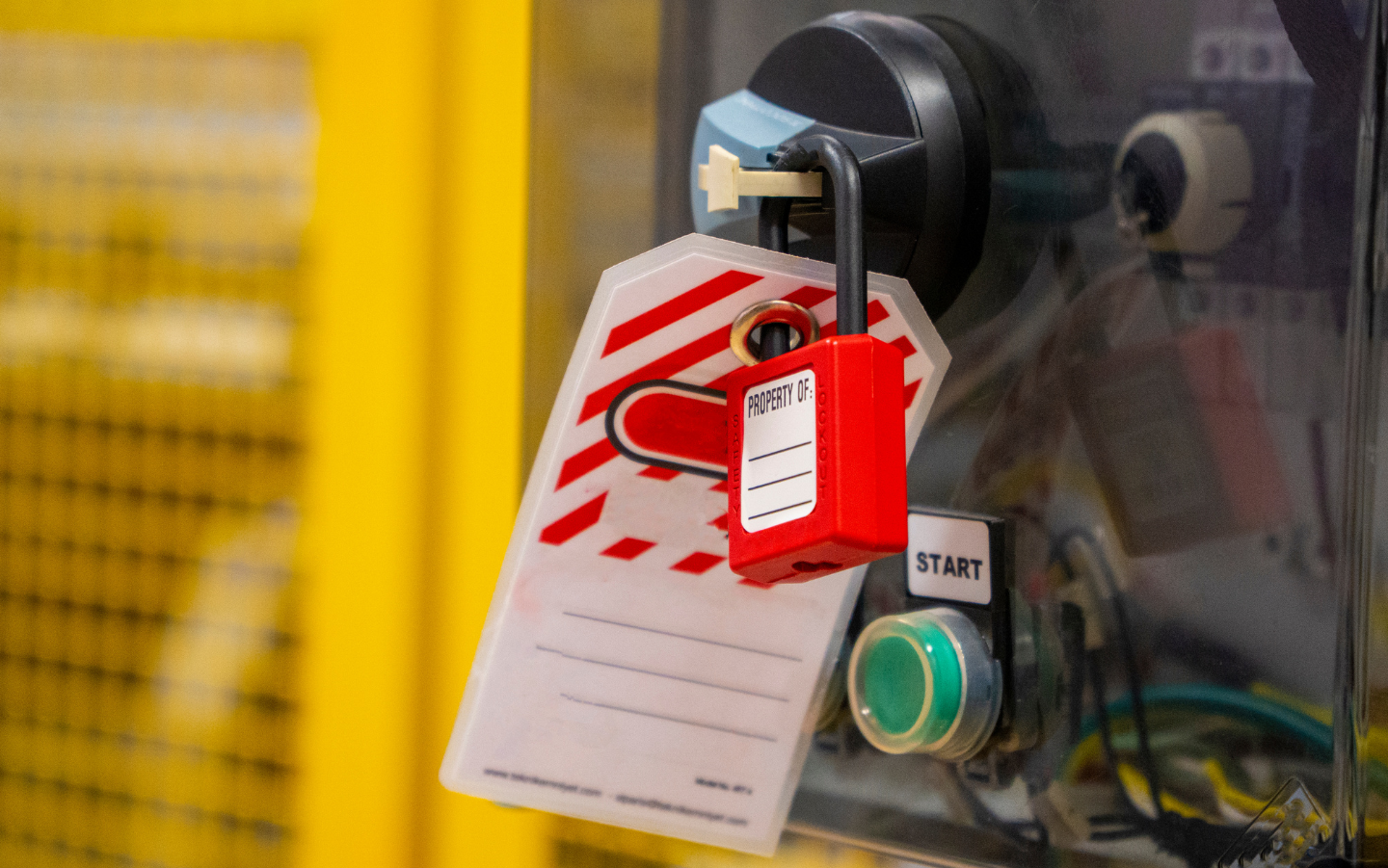
Every year, lockout/tagout lands on OSHA's list of the ten most frequently cited standards, and every year the citations tell the same story. It is almost never that a facility has no LOTO program at all. It is that the program on paper and the program on the floor are two different things: procedures that are generic instead of machine-specific, annual inspections that never happened, training records that cannot be produced, and authorized employees improvising on equipment the program never covered.
The control of hazardous energy standard, 29 CFR 1910.147, exists because servicing and maintenance work puts people inside the danger zone of machines, and unexpected startup or stored energy release in that moment is frequently fatal. OSHA estimates the standard prevents tens of thousands of injuries and well over a hundred deaths each year when followed. This guide walks through how to build a lockout tagout program that actually holds up, both to an OSHA compliance officer and, far more importantly, to the daily reality of a working plant.
What 1910.147 Actually Requires
Before building anything, be clear on the required elements, because audits are scored against them. An energy control program must include three pillars: documented machine-specific energy control procedures, employee training matched to each person's role, and periodic inspections of the procedures at least annually. Around those pillars sit supporting requirements: standardized and durable lockout devices used only for energy control, rules for shift changes and group lockout, defined steps for removing another person's lock, and coordination with outside contractors working on your equipment.
Note what is not acceptable: a single generic "turn it off and lock it" procedure stretched across an entire facility. OSHA allows a single procedure to cover multiple machines only when those machines are genuinely identical in their energy types, magnitudes, and control steps. For everything else, the procedure must be specific to the equipment.
Step 1: Inventory Equipment and Identify Every Energy Source
Start with a complete list of every machine and system that requires servicing or maintenance, then walk each one down and document all of its energy sources, not just the obvious electrical disconnect. The list is longer than most teams expect: electrical supply circuits, hydraulic and pneumatic systems, steam, natural gas, gravity in raised components, spring tension, capacitors and drives that hold charge after shutdown, and thermal energy in heated equipment.
An extrusion line makes a useful worked example precisely because it stacks so many energy types on one machine: a high-horsepower drive and heater circuits (electrical), barrel and die temperatures that remain burn hazards long after power-down (thermal), molten polymer held under pressure in the barrel and die (stored pressure), and elevated components on the downstream line (gravity). A LOTO procedure that addresses the disconnect switch but ignores stored melt pressure and residual barrel heat is exactly the kind of gap that turns a routine die change into a recordable injury, and it is the kind of gap auditors are trained to find.
Step 2: Write Machine-Specific Energy Control Procedures
For each piece of equipment, the written procedure must spell out, in order: the intended use of the procedure, the steps for shutting down and isolating the machine, the steps for applying lockout devices to each energy isolating device, the method for relieving or restraining stored energy, and the verification step proving the machine is actually de-energized before work begins. Verification is the step most often skipped on the floor and most heavily weighted in an audit; "try the start button" or test with a meter, every time, no exceptions.
Make the documents usable, not just compliant. One page per machine where possible, photos of each isolation point with its label, the exact disconnect and valve IDs, and the specific stored-energy steps such as bleed-down valves or pressure relief sequence. A procedure nobody can follow at 2 a.m. during a breakdown is a procedure that exists only for the binder.
Step 3: Train to the Role, Not to the Room
The standard defines three audiences, and a defensible program trains each differently. Authorized employees, the people who actually apply locks and perform service, need full training on energy types, isolation methods, and the procedures for the specific equipment they service. Affected employees, the operators whose machines get locked out, must be trained to recognize when LOTO is in effect and to never attempt a restart. Other employees in the area need awareness that locks and tags are inviolable.
Two training failures dominate citations. The first is retraining: it is required whenever procedures change, equipment changes, or an inspection reveals deviations, and most facilities have no trigger mechanism to catch those events. The second is proof: training that happened but cannot be documented, with names, dates, and content, functionally did not happen in an audit.
Step 4: Get the Hardware Right
Lockout devices must be standardized within the facility by color, shape, or size, durable enough for the environment, and used for nothing except energy control. Issue every authorized employee personally assigned locks with one key, build group lockout boxes for multi-craft jobs, and stock the device types your isolation points actually need: breaker lockouts, valve covers, plug boxes, cable devices. A surprising number of programs stall at the toolcrib because the right device for a specific valve was never purchased, and improvisation fills the gap.
Step 5: Conduct and Document Annual Inspections
At least once a year, an authorized employee who is not the one using the procedure must inspect each energy control procedure, which means watching it performed, correcting deviations, and certifying the inspection with the machine, date, employees included, and inspector identified. This is the single most commonly missing element in cited programs. Put every procedure on a rolling twelve-month inspection schedule the day it is written, and treat a missed inspection with the same urgency as a missed pressure vessel certification.
Step 6: Move the Paperwork Off Paper
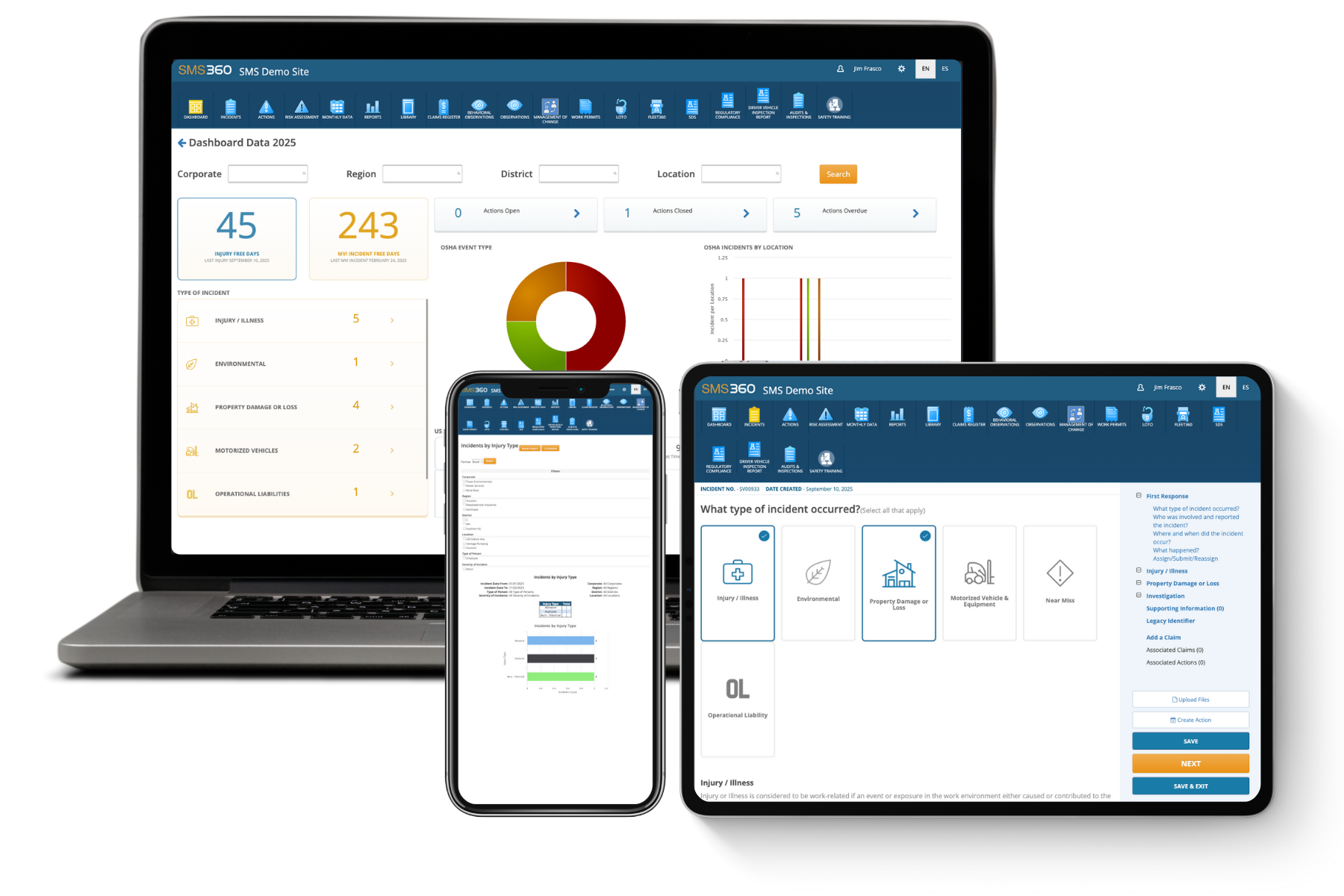
Everything above generates documentation: procedures, training rosters, retraining triggers, inspection certifications, contractor coordination records. Managed on spreadsheets and binders, these decay quietly until the day an inspector or an incident investigation asks for them. This is where digitizing the program pays off. A platform like SMS360's safety management software lets you attach lockout/tagout procedures to each asset, verify authorization and completion by employee, schedule the annual inspections automatically, and produce training and inspection records on demand instead of reconstructing them under pressure. The compliance content does not change; what changes is whether you can prove it in five minutes.
The Step Most Programs Skip: Reducing How Often You Lock Out
Here is the part of LOTO management that rarely appears in compliance guides. Every lockout event is a controlled exposure to hazardous energy, and the hierarchy of controls says the best exposure is the one that never has to happen. So pull your work order data and ask which machines generate the most lockouts, because that is where both your risk and your downtime concentrate.
The answer is usually aging equipment, and aging drive systems in particular. Plants running decades-old DC drives lock out constantly: brush and commutator maintenance, chasing intermittent faults, swapping failing components that are harder to source every year. Each intervention is another LOTO event, another open panel, another exposure. Modernizing that equipment attacks the exposure at its root; engineered DC to AC drive conversions replace the highest-maintenance component on many production lines with drives that run cleaner, diagnose their own faults, and need a fraction of the hands-on service, which directly shrinks the number of times anyone has to put a lock on the machine at all. Fewer interventions also means the interventions that remain get full attention instead of becoming routine.
The same logic should shape your capital planning generally: when the maintenance log shows one machine consuming a disproportionate share of lockout events, that machine is a safety project wearing a reliability costume.
What Auditors Actually Look For
When OSHA or a corporate auditor evaluates a LOTO program, the sequence is predictable. They will ask for the written program, then pull procedures for specific machines and check them for machine-specific detail and stored-energy steps. They will ask for last year's periodic inspection certifications, then training records for the authorized employees on shift. Then they will go to the floor, pick an active or recent maintenance job, and compare what actually happened to what the procedure says. Programs fail in that last step more than all the others combined, which is why everything in this guide pushes toward procedures that are realistic, hardware that is available, and records that reflect the floor.
The Bottom Line
A lockout tagout program that survives an audit is not the one with the thickest binder. It is the one where every machine has a specific, usable procedure, every authorized employee can demonstrate it, every procedure gets inspected annually with proof, and the documentation is retrievable in minutes. Build those habits, digitize the recordkeeping so nothing silently lapses, and attack the machines that force the most lockouts in the first place. Do that, and the audit takes care of itself, because the program will be protecting people every day whether anyone is inspecting it or not.
Lockout/Tagout: Frequently Asked Questions
How often does OSHA require lockout tagout training?
The standard does not set a fixed calendar interval for routine refresher training. Initial training is required before an employee performs or works around servicing covered by the program, and retraining is required whenever specific triggers occur: a change in job assignments, a change in machines, equipment, or processes that presents a new hazard, a change in the energy control procedures themselves, or whenever a periodic inspection or other observation reveals that an employee's knowledge or use of the procedures is inadequate. In practice, many employers schedule annual refresher training anyway, both because it satisfies corporate and insurance expectations and because it guarantees the retraining triggers never slip through unnoticed. Whatever schedule you adopt, document every session with names, dates, trainer, and content covered, because undocumented training cannot be demonstrated to a compliance officer.
Does every machine need its own lockout tagout procedure?
Every machine needs a procedure that is specific to its energy sources and control steps, but identical machines can legitimately share one. OSHA permits a single energy control procedure to cover a group of machines only when they have the same types and magnitudes of energy, the same or similar controls, and the same shutdown, isolation, and verification steps. A facility with twelve identical injection presses can write one procedure for the group; a facility that stretches one generic procedure across presses, conveyors, mixers, and an extrusion line cannot. There is also a narrow documentation exemption for simple equipment with a single, exclusively controlled energy source and no stored energy, but the conditions are strict, and most production machinery, especially anything with hydraulic, thermal, or stored pressure, will not qualify.
What is the difference between lockout and tagout, and when is tagout alone allowed?
Lockout physically prevents an energy isolating device from being operated by securing it with a lock. Tagout attaches a prominent warning tag to the device but provides no physical restraint; it depends entirely on people honoring it. OSHA requires lockout whenever the energy isolating device is capable of being locked out, which describes the vast majority of modern disconnects, breakers, and valves. Tagout alone is permitted only where a device genuinely cannot accept a lock, and even then the employer must demonstrate that the tagout program provides protection equivalent to lockout, with additional measures such as removing an isolating circuit element, blocking a controlling switch, or removing a valve handle. When older equipment forces routine reliance on tagout-only protection, that is a strong signal the isolation hardware, and often the equipment behind it, is due for an upgrade.
Who can remove someone else's lockout device?
Only the employee who applied a lock may remove it, with one tightly controlled exception. If the authorized employee is unavailable, the employer may remove the lock under a documented procedure that requires three things: verifying the employee is genuinely not at the facility, making all reasonable efforts to contact them and inform them the device will be removed, and ensuring they are told what happened before they resume work at the facility. This procedure must be written into the energy control program, not improvised. Cutting a lock outside that process is one of the fastest ways to destroy the credibility of a LOTO program, because the entire system depends on every employee trusting that their lock will protect them no matter what production pressure exists. Treat any unauthorized lock removal as a serious incident with a full investigation.
.png)