EPA's General Pretreatment Regulations, 40 CFR Part 403, control pollutants that industrial and commercial facilities discharge into municipal sewer systems, known as publicly owned treatment works (POTWs). The National Pretreatment Program protects POTWs from pollutants that could interfere with treatment, pass through untreated into rivers and lakes, contaminate sludge or endanger sewer workers.
Unlike direct dischargers, which need NPDES permits, indirect dischargers that send wastewater to a POTW are regulated through pretreatment requirements, usually enforced by the local POTW.
What Are the General Pretreatment Regulations?
Part 403 sets the framework for the program. It works together with industry-specific categorical pretreatment standards in 40 CFR Parts 405 to 471 and local limits developed by each POTW. Approved POTW pretreatment programs, states or EPA act as the control authority.
Who Must Comply?
All non-domestic users that discharge to a POTW must meet the general and specific prohibitions. Additional requirements apply to:
- Categorical industrial users, subject to national categorical standards, such as metal finishers, electroplaters, organic chemical plants, food processors and pharmaceutical manufacturers.
- Significant industrial users (SIUs), which include all categorical users and other users that discharge an average of 25,000 gallons per day or more of process wastewater, contribute 5% or more of the POTW's hydraulic or organic capacity, or are designated by the control authority because of their potential to cause problems.
Key Requirements
General and specific prohibitions
Users may not introduce pollutants that cause pass-through or interference. Specific prohibitions under 403.5(b) ban discharges of:
- Pollutants that create a fire or explosion hazard, including wastestreams with a closed-cup flashpoint below 140°F (60°C).
- Corrosive pollutants, including any discharge with a pH below 5.0, unless the POTW is designed for it.
- Solid or viscous pollutants that obstruct flow.
- Pollutants, including oxygen-demanding pollutants, released at a flow rate or concentration that causes interference.
- Heat that inhibits biological activity or raises the POTW influent temperature above 104°F (40°C).
- Petroleum oil, non-biodegradable cutting oil or mineral oil in amounts that cause interference or pass-through.
- Pollutants that create toxic gases, vapors or fumes that cause acute worker health and safety problems.
- Trucked or hauled pollutants, except at discharge points designated by the POTW.
Categorical standards and local limits
Categorical users must meet national pretreatment standards for their industry. POTWs also set local limits based on their treatment capacity and permit conditions. Where limits differ, the more stringent applies.
Permits or control mechanisms
SIUs typically receive an individual or general permit from the control authority that sets discharge limits, monitoring and reporting requirements, and compliance schedules.
Reporting
- Baseline monitoring report: required from existing categorical users within 180 days after a categorical standard becomes effective.
- 90-day compliance report: after the compliance deadline for a categorical standard.
- Periodic compliance reports: SIUs must report at least twice per year, typically in June and December, on the nature and concentration of pollutants and flows.
- Slug discharge notification: users must immediately notify the POTW of any discharge that could cause problems, including spills and slug loads.
- Notice of changed discharge: users must notify the POTW in advance of substantial changes in volume or character of pollutants.
- Hazardous waste notification: users must notify the POTW, EPA and the state of discharges of substances that would be hazardous waste if otherwise disposed of.
- Violation follow-up: if sampling shows a violation, the user must notify the control authority within 24 hours of becoming aware and resample.
Reports must be signed by an authorized representative and include a certification statement. Records of monitoring must be kept for at least 3 years.
Slug control plans
SIUs may be required to develop and implement slug control plans that describe discharge practices, storage, procedures for notifying the POTW and spill prevention measures.
Penalties and Enforcement
POTWs enforce pretreatment requirements through local sewer use ordinances, with fines, compliance schedules and, in serious cases, termination of service. EPA and states can also take enforcement action under the Clean Water Act, which authorizes civil and criminal penalties. POTWs must publish an annual list of users in significant noncompliance.
Common Compliance Mistakes
- Missing semiannual reports or submitting them unsigned.
- Not resampling within 30 days after a violation.
- Failing to report spills that reach floor drains.
- Making process changes without notifying the POTW.
- Assuming domestic-strength wastewater needs no oversight.
How to Comply: Step by Step
- Map wastewater streams and identify all discharges to the sewer.
- Determine applicable standards, including categorical standards and local limits.
- Obtain a permit if you are an SIU.
- Install treatment and controls to meet limits.
- Set up monitoring at required locations and frequencies.
- Submit reports on time with authorized signatures.
- Prevent and report slugs with spill controls and immediate notification procedures.
- Notify the POTW before significant changes.
How SMS360 Helps
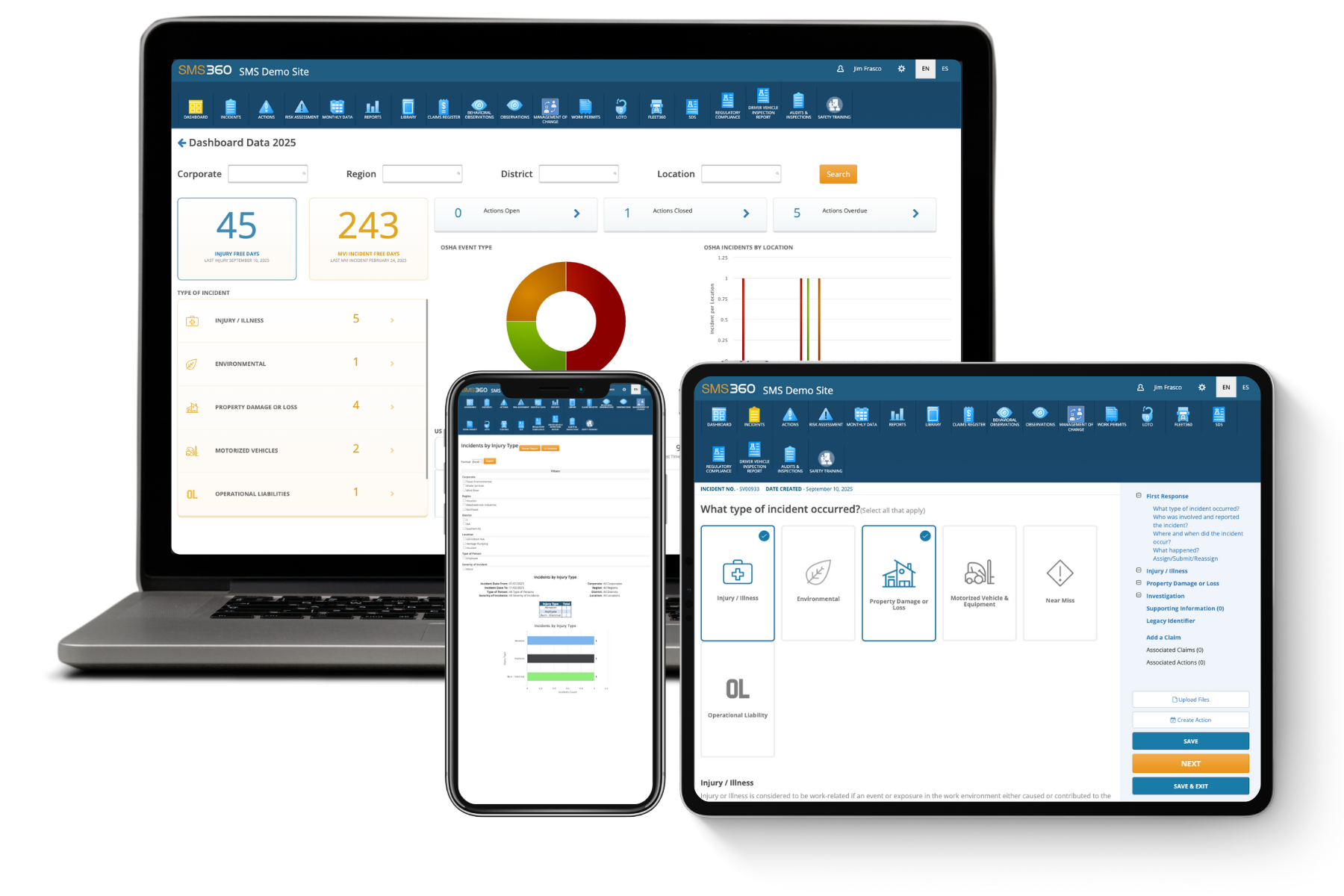
SMS360's Compliance Management tools track permit conditions, monitoring schedules and report deadlines. Incident Management captures spills and slug discharges, the Document Library stores permits, sampling results and signed reports for at least 3 years, and Actions Management manages corrective actions after exceedances.
Frequently Asked Questions
What is a significant industrial user?
A categorical user, or a user that discharges 25,000 gallons per day or more of process wastewater, contributes 5% or more of a POTW's capacity, or is designated by the control authority.
What pH is prohibited from discharge to sewers?
Discharges with a pH below 5.0 are prohibited unless the POTW is specifically designed to accept them. Local limits often set upper pH limits as well.
How often do SIUs report?
At least twice per year, typically June and December, unless the control authority requires more frequent reporting.
Who enforces pretreatment requirements?
Usually the local POTW as the control authority, with oversight by the state or EPA.