Resources
/
Regulations
/
Foot Protection
OSHA

Foot Protection

OSHA foot protection rules: when safety footwear is required, ASTM F2413 ratings, who pays for safety shoes, hazard assessments and common mistakes.

29 CFR 1910.136

Requires protective footwear where workers face falling or rolling objects, punctures through the sole or electrical hazards to the feet.

OSHA's Foot Protection standard, 29 CFR 1910.136, requires employers to make sure employees use protective footwear when working in areas where there is a danger of foot injuries. It is part of OSHA's personal protective equipment rules and works together with the PPE general requirements in 29 CFR 1910.132.

Foot injuries from crushing, punctures and electrical contact can cause long-term disability. The right footwear, selected through a proper hazard assessment, prevents many of them.

What Is the Foot Protection Standard?

Section 1910.136 is in 29 CFR 1910 Subpart I, Personal Protective Equipment. It is short, but it relies on the broader PPE requirements in 1910.132 for hazard assessment, selection, training and payment.

Who Must Comply?

All general industry employers whose employees work where there is a danger of foot injury must comply. Common workplaces include manufacturing, warehousing and distribution, construction-like maintenance, utilities, food processing, waste management and healthcare facilities with materials handling. Construction employers follow 29 CFR 1926.96.

Key Requirements

When protective footwear is required

Under 1910.136(a), each affected employee must use protective footwear when working in areas where there is a danger of foot injuries due to:

  • Falling or rolling objects.
  • Objects piercing the sole.
  • Exposure to electrical hazards.

Criteria for protective footwear

Under 1910.136(b), protective footwear must comply with consensus standards incorporated by reference, such as ASTM F2412 and F2413, or older ANSI Z41 editions, or the employer must demonstrate that the footwear is at least as effective. ASTM F2413 footwear is marked to show the protection it provides, for example:

  • I/75 and C/75: impact and compression resistance for the toe cap.
  • Mt: metatarsal protection.
  • EH: electrical hazard protection.
  • SD: static dissipative.
  • PR: puncture resistance.
  • Cd: conductive.

Hazard assessment

Under 1910.132(d), employers must assess the workplace to determine whether hazards are present that require PPE, select appropriate PPE, communicate selection decisions to employees and verify the assessment through a written certification. The certification must identify the workplace evaluated, the person certifying the evaluation and the date.

Payment

Under 1910.132(h), employers generally must pay for required PPE. However, employers are not required to pay for non-specialty safety-toe protective footwear, including steel-toe shoes or boots, if they allow employees to wear the footwear off the job site. Employers must pay for specialty footwear such as metatarsal guards, rubber boots with steel toes and electrical hazard boots that are not suitable for off-site wear. When the employer provides metatarsal guards and lets an employee choose shoes with built-in metatarsal protection instead, the employer does not have to reimburse the employee for those shoes.

Training and condition

Under 1910.132(f), employees must be trained on when footwear is necessary, what kind is necessary, its limitations, and how to care for it. Defective or damaged footwear must not be used.

Penalties and Enforcement

OSHA typically cites missing foot protection under 1910.136(a) and missing hazard assessments under 1910.132(d). Maximum penalties are $16,550 per serious violation and $165,514 per willful or repeat violation in 2026.

Common Compliance Mistakes

  • No written hazard assessment certification.
  • Allowing athletic shoes in areas with forklift traffic or heavy materials.
  • Not specifying metatarsal protection where heavy objects could strike the top of the foot.
  • Confusing EH, SD and conductive footwear, which serve different purposes.
  • Allowing worn-out or damaged boots to stay in use.
  • Not paying for specialty footwear.

How to Comply: Step by Step

  1. Assess hazards. Walk each area and task to identify impact, compression, puncture, electrical, chemical, slip and temperature hazards.
  2. Certify the assessment. Document the workplace, date and person certifying.
  3. Select footwear. Specify the required ASTM F2413 ratings for each job or area.
  4. Set a payment policy. Follow 1910.132(h) rules for non-specialty and specialty footwear.
  5. Train employees. Explain requirements, limitations and care.
  6. Inspect and replace. Check footwear condition periodically and replace damaged items.
  7. Reassess. Update the assessment when processes, equipment or layouts change.

How SMS360 Helps

SMS360's Risk Assessment module documents PPE hazard assessments and certifications for each area and job. Audits & Inspections checks footwear compliance in the field, and Training Management records PPE training for every employee.

Frequently Asked Questions

Does OSHA require steel-toe boots?

OSHA requires protective footwear where there is a danger of foot injury. Steel toes are one option. Composite and alloy toes that meet the same standard are also acceptable.

Do employers have to pay for safety shoes?

Not for non-specialty safety-toe footwear that employees can wear off the job site. Employers must pay for specialty footwear such as metatarsal guards.

What does EH mean on safety boots?

EH means electrical hazard. The footwear provides a secondary source of protection against accidental contact with live electrical circuits under dry conditions.

Is a written hazard assessment required for foot protection?

Yes. Under 1910.132(d), the employer must verify the hazard assessment through a written certification.
Audits & Inspections

See how SMS360 handles this

Keep the records, inspections, training and corrective actions this rule requires in one place, with dashboards that keep you audit-ready.

Request a Demo
Explore the module →

Related topics

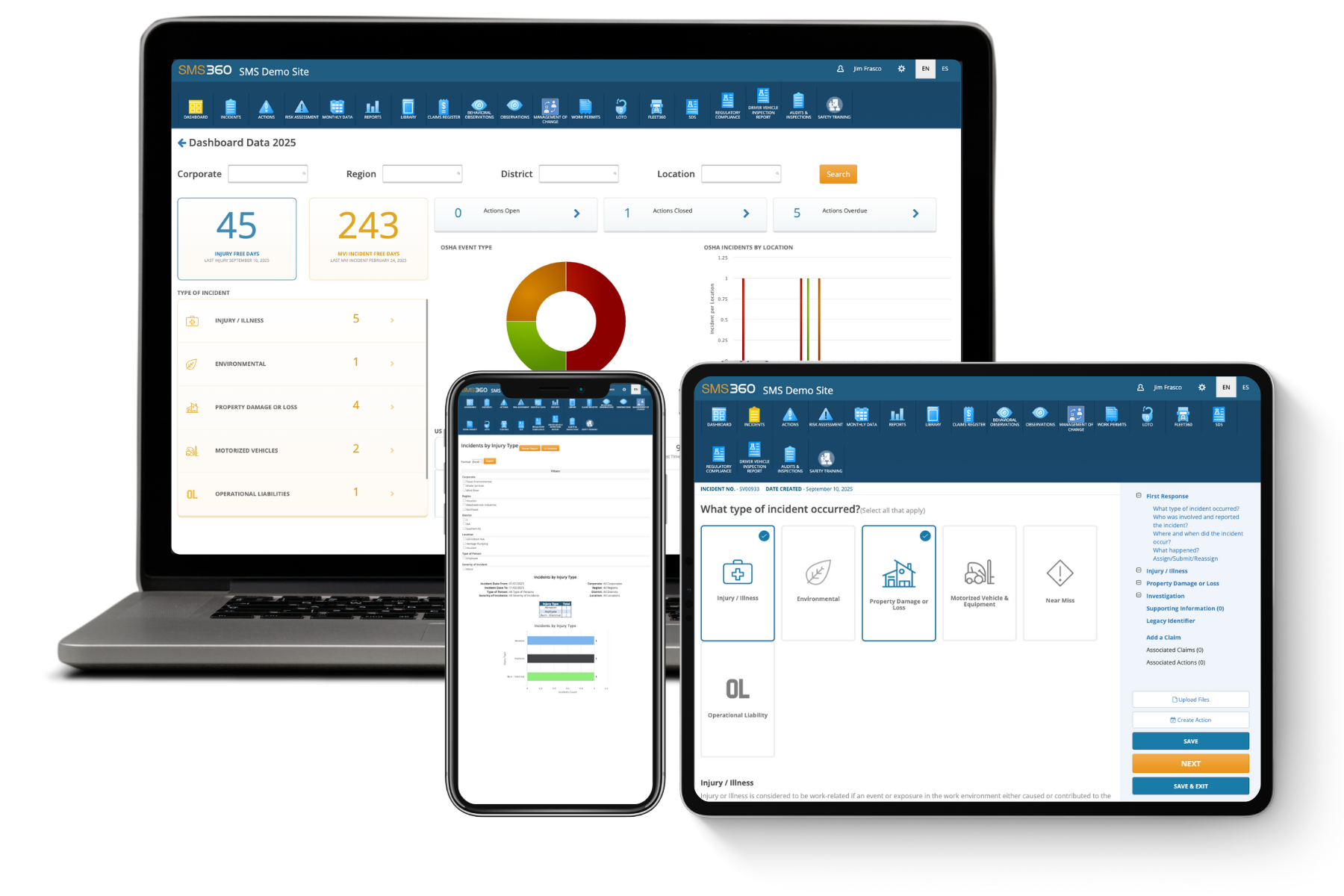
Laptop, smartphone, and tablet displaying SMS360 Demo Site with dashboards and incident reporting interfaces.
Free product demo

See how SMS360 simplifies safety, compliance, and reporting — all in one easy-to-use platform.

Get a personalized walkthrough of the platform, built around your team's workflows.

Explore the Core Modules That Power SMS360

Unite your entire safety program — incidents, audits, training, and compliance — in one place.

Audits & Inspections
Simplify every audit and inspection and stay compliant-ready year-round.
Conduct inspections on desktop, tablet, or mobile — even offline.
Customize checklists for departments, sites, or equipment.
Instantly flag and assign corrective actions to stay compliant.
Learn More
Incident Management
Take control of incidents from first response to resolution — all in one place.
Automate OSHA and DOT reporting with digital incident logs.
Capture photos, witness statements, and root causes in seconds.
Track corrective actions to close out incidents faster and prevent repeats.
Learn More
Regulatory Compliance
Keep your facility compliant with OSHA, DOT, and EPA — without the paperwork.
Manage permits, notices of violation, and inspection history.
Stay ahead of deadlines with automatic reminders and alerts.
Generate compliance reports in seconds for internal or external audits.
Learn More
Safety Observations
Identify risks before they become incidents — empower teams to act on the spot.
Log unsafe conditions or behaviors from any device.
Track trends by site, department, or supervisor.
Close the loop with automatic follow-ups and status tracking.
Learn More
Training Management
Build safer, smarter teams with consistent, trackable employee training and tracking management software.
Automate reminders, track sessions, and ensure timely completion.
Centralize attendance, upload documents, and maintain records.
Manage classroom and on-the-job training from a single platform.
Learn More
Risk Assessment
Turn environmental, health, and safety data into insight — predict and prevent what’s next.
Analyze trends and exposure using customizable risk models.
Rank hazards by severity and likelihood for smarter prevention.
Export visual risk reports for leadership and safety committees.
Learn More
Fleet Management
Manage drivers, vehicles, and inspections with Fleet360, software for fleet management.
Track driver qualifications, vehicle history, and DVIR logs.
Automate maintenance scheduling and compliance checks.
Stay FMCSA-ready with digital records and reports.
Learn More
Claims Management
Simplify the claims management process and get visibility into every cost and outcome.
Track claim expenses, statuses, and resolutions in real time.
Attach documentation, reports, and correspondence securely.
Reduce claim turnaround times with automated follow-up workflows.
Learn More
Work Permits
Digitize your permit process to ensure every task is reviewed, approved, and performed safely.
Create, review, and approve permits for high-risk work in minutes.
Assign responsible personnel and verify authorizations before tasks begin.
Track active, pending, and expired permits in real time.
Learn More
Lockout Tagout (LOTO)
Ensure equipment is safely locked and tagged before maintenance starts with SMS360's lockout tagout software.
Digitize and verify lockout/tagout procedures per asset.
Track authorization and completion for every employee.
Reduce equipment-related injuries and OSHA violations.
Learn More
Safety Data Sheets
Keep all chemical safety data accessible and compliant in one, easy-to-use SDS management system.
Store, search, and update SDS records anytime.
Provide instant access to workers during emergencies.
Ensure regulatory compliance with centralized documentation.
Learn More
Management of Change
Control how organizational, process, or equipment changes are requested, reviewed, and approved.
Submit and track change requests with clear status updates.
Assign reviewers and document risk or cost impacts instantly.
Maintain an auditable record of approvals and dispositions.
Learn More
Actions Management
Assign corrective and preventative  actions, set priorities, and monitor your team's progress to ensure nothing slips through the cracks.
Create, assign, and monitor actions with real-time updates.
Prioritize actions by risk level and due date.
Attach documents and notes for a complete audit trail.
Learn More
Document Library
Keep every safety and compliance file in one secure place. Upload, organize, and share documents instantly with full version control.
Store SDSs, manuals, and training files in one hub.
Add quick links to OSHA and external resources.
Manage permissions to control file access.
Learn More
Analytics & Reports
Generate reports, track KPIs, and uncover trends to improve environmental, health, and safety performance.
Instantly create OSHA, KPI, and incident reports.
Spot trends with causal analysis tools in SMS360.
Schedule and share safety and fleet reports.
Learn More