FMCSA's Driving of Commercial Motor Vehicles regulations, 49 CFR Part 392, set the rules for how drivers operate commercial motor vehicles (CMVs) on the road. They cover a driver's fitness to drive, use of drugs and alcohol, pre-trip checks, cargo inspections, railroad crossings, hazardous conditions, seat belts, emergency warning devices and mobile phone use.
Part 392 violations show up frequently in roadside inspections and feed into the Unsafe Driving and other CSA BASICs.
What Is Part 392?
Part 392 is part of the Federal Motor Carrier Safety Regulations. Motor carriers must require their drivers to follow these rules, and drivers must comply.
Who Must Comply?
Motor carriers and drivers operating commercial motor vehicles in interstate commerce, as defined in 49 CFR 390.5, including vehicles with a gross vehicle weight rating of 10,001 pounds or more, vehicles designed to transport certain numbers of passengers, and vehicles transporting placarded hazardous materials. Many states adopt similar rules for intrastate carriers.
Key Requirements
Obey local laws (392.2)
Every CMV must be operated in accordance with the laws, ordinances and regulations of the jurisdiction where it is being operated.
Ill or fatigued operators (392.3)
No driver may operate a CMV, and no motor carrier may require or permit a driver to operate one, while the driver's ability or alertness is so impaired, or so likely to become impaired, through fatigue, illness or any other cause, as to make it unsafe.
Drugs and other substances (392.4)
Drivers may not be on duty or operate a CMV while possessing, under the influence of, or using Schedule I substances, amphetamines, narcotics or any other substance that renders the driver incapable of safe operation. A narrow exception applies to substances prescribed by a licensed medical practitioner who has advised that the substance will not affect safe driving.
Alcohol (392.5)
Drivers may not use alcohol within 4 hours before going on duty or operating a CMV, be under the influence of alcohol, have any measured alcohol concentration or detected presence of alcohol while on duty or operating, or be in possession of alcohol unless it is manifested cargo. A driver found in violation is placed out of service for 24 hours.
Schedules (392.6)
Motor carriers may not schedule runs or permit or require operation that would require driving at speeds above the posted limits.
Equipment checks (392.7)
Before driving, the driver must be satisfied that these parts are in good working order: service brakes including trailer brake connections, parking brake, steering mechanism, lighting devices and reflectors, tires, horn, windshield wipers, rear-vision mirrors, coupling devices, wheels and rims, and emergency equipment. See pre-trip inspection.
Cargo inspection (392.9)
Drivers must inspect cargo and securement devices before driving, within the first 50 miles of a trip, and then whenever the driver makes a change of duty status, after 3 hours of driving or after 150 miles, whichever comes first. Exceptions apply to sealed loads and loads not accessible to the driver. See cargo securement.
Railroad crossings (392.10 and 392.11)
Certain vehicles, including buses carrying passengers and vehicles carrying placarded hazardous materials or chlorine, must stop between 15 and 50 feet from the nearest rail, listen and look, and cross without changing gears. Other CMVs must slow down and check that the tracks are clear.
Hazardous conditions (392.14)
Drivers must use extreme caution when hazardous conditions such as snow, ice, fog, rain, dust or smoke reduce visibility or traction. Speed must be reduced, and if conditions become sufficiently dangerous, operation must be discontinued until the CMV can be operated safely.
Seat belts (392.16)
A CMV with a seat belt may not be driven unless the driver is properly restrained, and passengers in the cab must also be restrained.
Emergency signals (392.22)
When a CMV is stopped on the traveled portion or shoulder of a highway, the driver must immediately activate hazard warning flashers and, within 10 minutes, place warning devices. On a two-lane or undivided highway, devices go about 10 feet behind the vehicle on the traffic side and about 100 feet behind and 100 feet ahead. On divided or one-way roads, they go at 10, 100 and 200 feet behind the vehicle. Special placement rules apply on hills, curves and obstructed views.
Radar detectors and mobile devices
Drivers may not use or have radar detectors in a CMV. Texting and use of handheld mobile phones while driving are prohibited under 392.80 and 392.82. See texting and handheld phone ban.
Penalties and Enforcement
Part 392 violations are enforced during roadside inspections and compliance investigations. Some, such as alcohol violations and driving while ill or fatigued, place drivers out of service. Violations add severity-weighted points to CSA BASIC scores and can lead to civil penalties against both carriers and drivers.
Common Compliance Mistakes
- Not training drivers on emergency warning device placement.
- Skipping the 50-mile cargo check.
- Allowing drivers to continue when they report being ill or fatigued.
- Not enforcing seat belt use.
- Schedules that are impossible without speeding.
How to Comply: Step by Step
- Adopt written driving policies that reflect Part 392.
- Train drivers at hire and periodically on fatigue, alcohol, cargo checks, crossings and warning devices.
- Support fit-for-duty decisions. Let drivers stop when ill or fatigued without penalty.
- Review dispatch practices to avoid schedules that require speeding.
- Audit roadside inspection results and coach drivers on violations.
- Track driver behavior with telematics and defensive driving coaching.
How SMS360 Helps
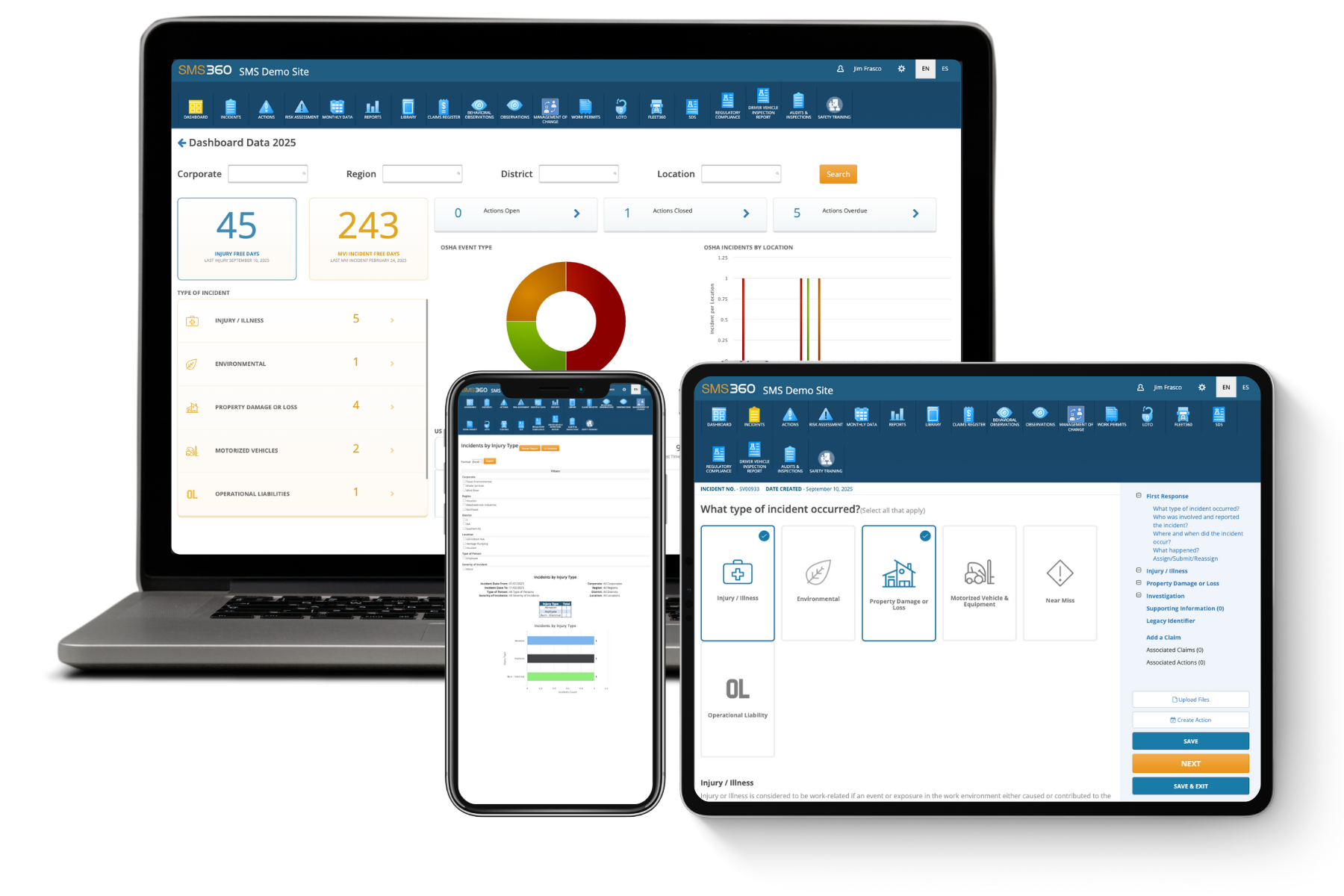
SMS360's Driver Qualification Files module stores driver training and policy acknowledgments. DOT Compliance tools organize roadside inspection results and violations, Training Management assigns Part 392 refreshers and Fleet Reports show trends by driver and terminal.
Frequently Asked Questions
How long before driving can a CMV driver drink alcohol?
No alcohol within 4 hours before going on duty or operating a CMV.
When must cargo be checked?
Before the trip, within the first 50 miles, and then at each change of duty status, every 3 hours or every 150 miles, whichever comes first.
Where do warning triangles go on a two-lane road?
About 10 feet, 100 feet behind, and 100 feet ahead of the vehicle, placed within 10 minutes of stopping.
Which vehicles must stop at railroad crossings?
Buses carrying passengers, vehicles carrying placarded hazardous materials or chlorine, and certain other vehicles listed in 392.10.