OSHA's Confined Spaces in Construction standard, 29 CFR 1926 Subpart AA (1926.1200 to 1926.1213), protects construction workers who enter spaces such as manholes, crawl spaces, tanks, pits, vaults, sewers and attics. It took effect in August 2015 and is similar to the general industry permit-required confined spaces standard, with added requirements suited to the changing conditions and multiple employers found on construction sites.
Confined space incidents often kill would-be rescuers as well as the original entrant, which is why planning, monitoring and rescue preparation are central to the rule.
What Is the Confined Spaces in Construction Standard?
Subpart AA is part of 29 CFR Part 1926. A confined space is a space that is large enough for a worker to enter, has limited or restricted means of entry or exit, and is not designed for continuous occupancy. A permit-required confined space also has one or more of the following: a hazardous or potentially hazardous atmosphere, an engulfment hazard, an inwardly converging or sloping floor that could trap or asphyxiate, or any other recognized serious hazard.
Who Must Comply?
Construction employers whose employees may be exposed to confined space hazards. The standard defines roles for each employer on a project:
- Host employer: the employer that owns or manages the property where work is taking place.
- Controlling contractor: the employer with overall responsibility for construction at the worksite.
- Entry employer: any employer who decides that an employee it directs will enter a permit space.
Key Requirements
Worksite evaluation
Each employer must make sure a competent person identifies all confined spaces in which employees may work and identifies which are permit spaces, considering both the hazards present and those that may develop as work progresses.
Informing employees
If employees will work near permit spaces, the employer must inform them of the existence, location and danger of the spaces, typically by posting danger signs or another equally effective means.
Information exchange and coordination
- The host employer must provide the controlling contractor with information it has about permit spaces, hazards and previous entry precautions.
- The controlling contractor must share that information with entry employers and other employers whose work could affect the spaces.
- The controlling contractor must coordinate entry operations when more than one employer has employees in a permit space, or when activities of other employers could foreseeably create hazards in the space.
- After entry, the entry employer must debrief the controlling contractor about the program followed and any hazards encountered.
Written program and permits
Entry employers must have a written permit space program and use entry permits that identify the space, purpose, date and duration, authorized entrants and attendants, entry supervisor, hazards, controls, acceptable entry conditions, test results, rescue services and communications. Permits must not exceed the time needed to complete the task and must be retained for at least one year.
Hazard control and monitoring
Subpart AA has several requirements beyond the general industry standard:
- Continuous atmospheric monitoring unless the employer can show it is not feasible or that periodic monitoring is sufficient.
- Continuous monitoring of engulfment hazards from non-isolated sources, such as an upstream sewer flow, with an early-warning system that gives entrants time to exit.
- Isolation of physical hazards, including lockout/tagout of equipment that could be activated.
- Permit suspension instead of cancellation when conditions change temporarily, with re-evaluation before entry resumes.
Alternate procedures and reclassification
Spaces whose only hazard is an atmospheric hazard that can be controlled with continuous forced-air ventilation may use alternate procedures. Spaces with no actual or potential hazards may be reclassified as non-permit spaces, with documentation.
Training
Employees must be trained before their first assignment, when duties or hazards change, and when there is evidence of deficiencies. Training must be certified with the employee's name, the trainer's signature or initials and the dates, and kept for the duration of employment.
Rescue and emergency services
Entry employers must evaluate and arrange for rescue services that can respond in a timely manner for the hazards present, are equipped and trained, and practice at least every 12 months. Non-entry rescue using retrieval systems should be used whenever possible.
Penalties and Enforcement
Typical citations include failing to identify confined spaces, missing permits, inadequate monitoring and lack of rescue arrangements. Confined space fatalities often lead to willful citations. Maximum penalties are $16,550 per serious violation and $165,514 per willful or repeat violation in 2026.
Common Compliance Mistakes
- Assuming the host or controlling contractor handled the evaluation.
- Not re-evaluating spaces as the project changes.
- Using a single pre-entry test instead of continuous monitoring.
- Relying on 911 as the rescue plan without verifying response capability.
- Letting attendants enter to attempt rescue.
How to Comply: Step by Step
- Evaluate the site. Have a competent person identify confined and permit spaces.
- Exchange information. Coordinate among host employer, controlling contractor and entry employers.
- Post warnings. Mark permit spaces and inform workers.
- Write the program. Include permits, monitoring, roles and rescue.
- Control hazards. Isolate energy, ventilate and set up engulfment early-warning systems.
- Monitor continuously. Use calibrated, bump tested instruments.
- Train and certify entrants, attendants and entry supervisors.
- Arrange rescue and verify it can respond in time.
- Debrief with the controlling contractor after entry.
How SMS360 Helps
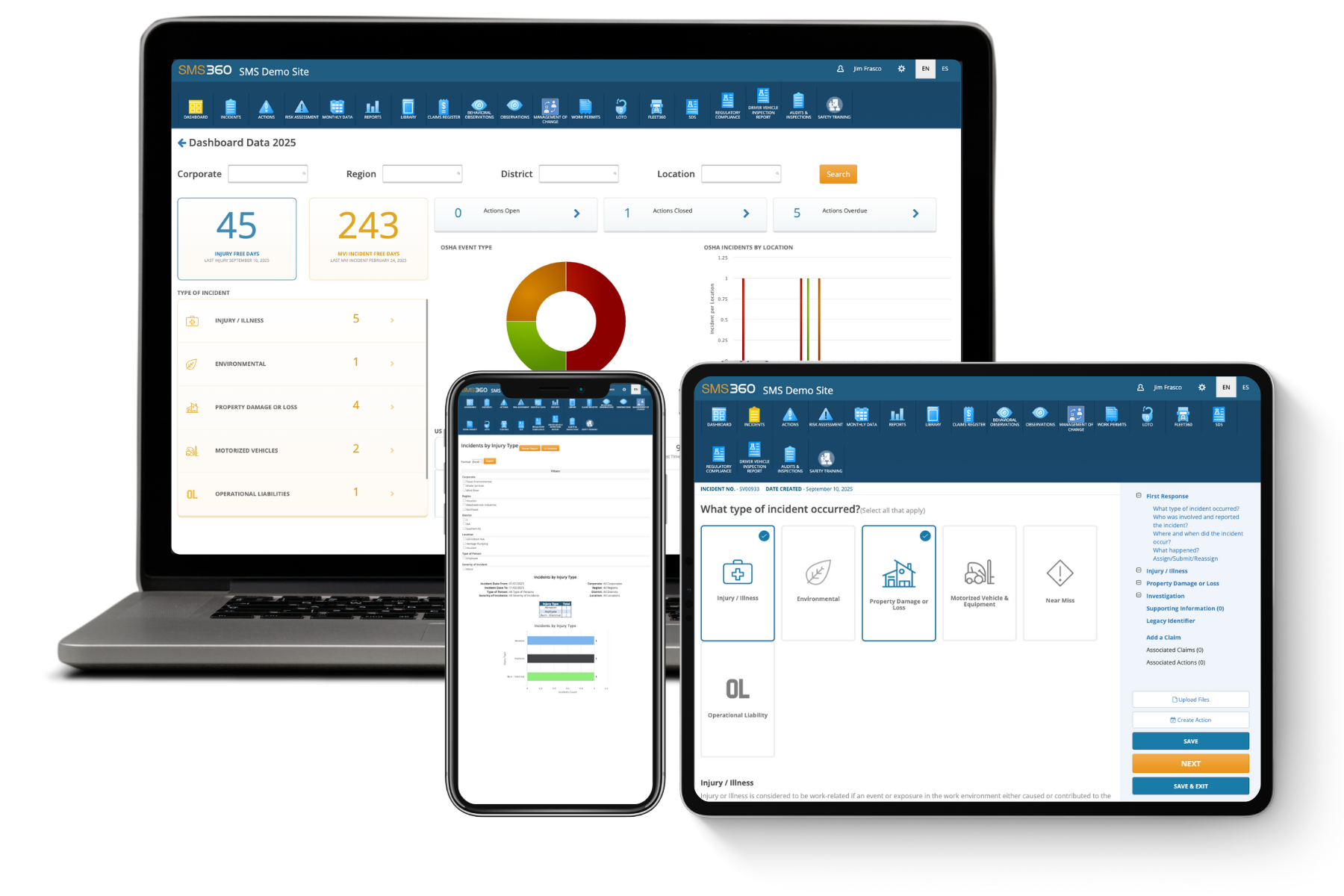
SMS360's Work Permits module issues confined space permits with atmospheric readings, entrant and attendant sign-in and closure. Training Management certifies entrant, attendant and supervisor training, Risk Assessment documents space evaluations and Document Library stores rescue plans and debrief notes.
Frequently Asked Questions
When did the construction confined space rule take effect?
August 3, 2015, with a short period of temporary enforcement discretion afterward.
How is Subpart AA different from 1910.146?
It adds multi-employer coordination, continuous atmospheric and engulfment monitoring, and permit suspension, among other differences.
Who evaluates confined spaces on a construction site?
Each employer must make sure a competent person evaluates the worksite for confined spaces and permit spaces.
How long must confined space permits be kept?
At least one year, so they can be reviewed as part of the annual program review.