Resources
/
Glossary
/
Training Matrix
Glossary Term

Training Matrix

Learn what a safety training matrix is, what to include, how to build one step by step and how a training matrix helps prove OSHA training compliance.

Definition

A grid showing which training each role or employee needs, what they have completed and when refreshers are due.

A training matrix is a grid that maps employees or job roles against the training they need. It shows at a glance who is trained, who is overdue and what training is coming up. Training matrices are also called competency matrices or skills matrices.

For safety teams, a training matrix turns scattered training records into a clear compliance picture. It helps answer an inspector's or auditor's most common question: can you show that this worker was trained for this task?

What a Training Matrix Includes

  • Rows: employees or job roles.
  • Columns: required training courses or competencies.
  • Requirements: which courses apply to which roles.
  • Completion dates: when each person last completed each course.
  • Expiration or refresher dates: when retraining is due.
  • Status: current, due soon, overdue or not required.

Many organizations use color coding, such as green for current, amber for due soon and red for overdue.

Common Safety Training to Track

How to Build a Training Matrix Step by Step

  1. List job roles. Group employees by role or job family.
  2. Identify requirements. For each role, list training required by regulations, company policy and risk assessments.
  3. Set frequencies. Record initial and refresher intervals for each course.
  4. Load completion records. Gather existing training records and dates.
  5. Flag gaps. Highlight missing and overdue training.
  6. Assign training. Schedule courses to close gaps.
  7. Update continuously. Add new hires, role changes and new requirements as they happen.

Common Mistakes to Avoid

  • Tracking training in spreadsheets that are never updated.
  • Mapping training to people instead of roles, which breaks when people change jobs.
  • Missing triggered retraining, such as after a near miss or equipment change.
  • Recording attendance without evidence of competency.

How SMS360 Helps

SMS360's Training Management module builds role-based training matrices automatically, tracks completion and expiration dates, and sends reminders before training lapses. Supervisors see their team's status at a glance, and Analytics & Reports show training compliance across sites.

Frequently Asked Questions

Does OSHA require a training matrix?

No. OSHA requires specific training and, for some standards, records or certifications. A training matrix is a practical way to manage and prove compliance.

How often should a training matrix be updated?

Continuously, or at least whenever training is completed, people join or change roles, or requirements change.

What is the difference between a training matrix and a training record?

A training record shows what one person completed. A training matrix shows what everyone needs and where the gaps are.
Training Management

See how SMS360 handles this

Report, assign and track every action from any device, with dashboards that keep you audit-ready.

Request a Demo
Explore the module →

Related terms

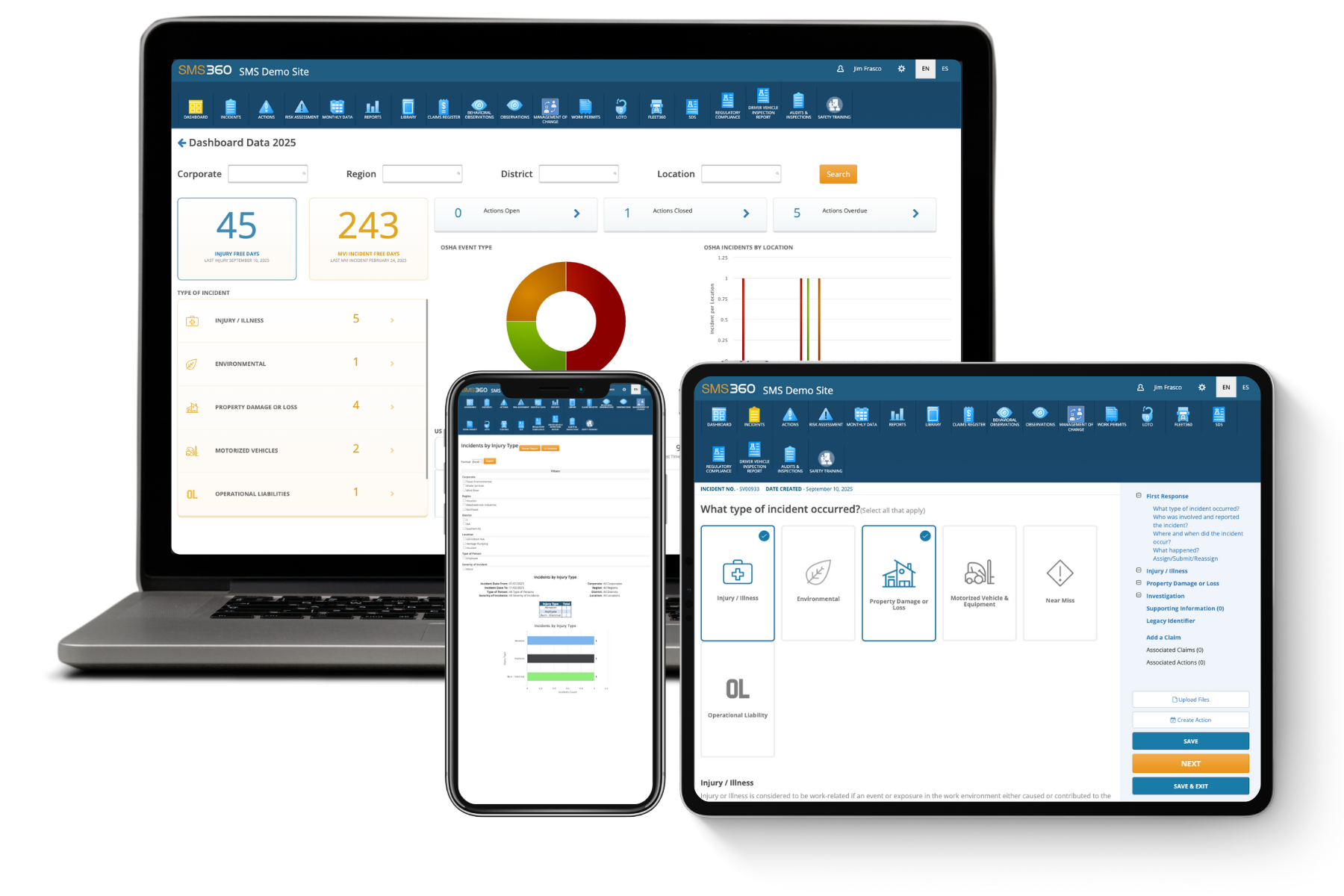
Laptop, smartphone, and tablet displaying SMS360 Demo Site with dashboards and incident reporting interfaces.
Free product demo

See how SMS360 simplifies safety, compliance, and reporting — all in one easy-to-use platform.

Get a personalized walkthrough of the platform, built around your team's workflows.

Explore the Core Modules That Power SMS360

Unite your entire safety program — incidents, audits, training, and compliance — in one place.

Audits & Inspections
Simplify every audit and inspection and stay compliant-ready year-round.
Conduct inspections on desktop, tablet, or mobile — even offline.
Customize checklists for departments, sites, or equipment.
Instantly flag and assign corrective actions to stay compliant.
Learn More
Incident Management
Take control of incidents from first response to resolution — all in one place.
Automate OSHA and DOT reporting with digital incident logs.
Capture photos, witness statements, and root causes in seconds.
Track corrective actions to close out incidents faster and prevent repeats.
Learn More
Regulatory Compliance
Keep your facility compliant with OSHA, DOT, and EPA — without the paperwork.
Manage permits, notices of violation, and inspection history.
Stay ahead of deadlines with automatic reminders and alerts.
Generate compliance reports in seconds for internal or external audits.
Learn More
Safety Observations
Identify risks before they become incidents — empower teams to act on the spot.
Log unsafe conditions or behaviors from any device.
Track trends by site, department, or supervisor.
Close the loop with automatic follow-ups and status tracking.
Learn More
Training Management
Build safer, smarter teams with consistent, trackable employee training and tracking management software.
Automate reminders, track sessions, and ensure timely completion.
Centralize attendance, upload documents, and maintain records.
Manage classroom and on-the-job training from a single platform.
Learn More
Risk Assessment
Turn environmental, health, and safety data into insight — predict and prevent what’s next.
Analyze trends and exposure using customizable risk models.
Rank hazards by severity and likelihood for smarter prevention.
Export visual risk reports for leadership and safety committees.
Learn More
Fleet Management
Manage drivers, vehicles, and inspections with Fleet360, software for fleet management.
Track driver qualifications, vehicle history, and DVIR logs.
Automate maintenance scheduling and compliance checks.
Stay FMCSA-ready with digital records and reports.
Learn More
Claims Management
Simplify the claims management process and get visibility into every cost and outcome.
Track claim expenses, statuses, and resolutions in real time.
Attach documentation, reports, and correspondence securely.
Reduce claim turnaround times with automated follow-up workflows.
Learn More
Work Permits
Digitize your permit process to ensure every task is reviewed, approved, and performed safely.
Create, review, and approve permits for high-risk work in minutes.
Assign responsible personnel and verify authorizations before tasks begin.
Track active, pending, and expired permits in real time.
Learn More
Lockout Tagout (LOTO)
Ensure equipment is safely locked and tagged before maintenance starts with SMS360's lockout tagout software.
Digitize and verify lockout/tagout procedures per asset.
Track authorization and completion for every employee.
Reduce equipment-related injuries and OSHA violations.
Learn More
Safety Data Sheets
Keep all chemical safety data accessible and compliant in one, easy-to-use SDS management system.
Store, search, and update SDS records anytime.
Provide instant access to workers during emergencies.
Ensure regulatory compliance with centralized documentation.
Learn More
Management of Change
Control how organizational, process, or equipment changes are requested, reviewed, and approved.
Submit and track change requests with clear status updates.
Assign reviewers and document risk or cost impacts instantly.
Maintain an auditable record of approvals and dispositions.
Learn More
Actions Management
Assign corrective and preventative  actions, set priorities, and monitor your team's progress to ensure nothing slips through the cracks.
Create, assign, and monitor actions with real-time updates.
Prioritize actions by risk level and due date.
Attach documents and notes for a complete audit trail.
Learn More
Document Library
Keep every safety and compliance file in one secure place. Upload, organize, and share documents instantly with full version control.
Store SDSs, manuals, and training files in one hub.
Add quick links to OSHA and external resources.
Manage permissions to control file access.
Learn More
Analytics & Reports
Generate reports, track KPIs, and uncover trends to improve environmental, health, and safety performance.
Instantly create OSHA, KPI, and incident reports.
Spot trends with causal analysis tools in SMS360.
Schedule and share safety and fleet reports.
Learn More