Resources
/
Glossary
/
Lone Worker
Glossary Term

Lone Worker

Learn who counts as a lone worker, common lone worker hazards, U.S. and international rules, and practical check-in and monitoring controls that work.

Definition

An employee who works alone without close or direct supervision, where help may not be readily available in an emergency.

A lone worker is an employee who performs work in isolation from other workers, without close or direct supervision, and where help may not be readily available if something goes wrong. Lone work is common in utilities, field service, security, delivery, agriculture, healthcare home visits, retail and maintenance.

Working alone is not automatically unsafe, but it can turn a minor injury or medical event into a serious one because no one is there to call for help or provide first aid.

Examples of Lone Workers

  • Field technicians and inspectors visiting remote sites.
  • Drivers and delivery workers.
  • Night shift security guards and custodians.
  • Home health and social care workers.
  • Retail and convenience store employees working alone.
  • Maintenance staff working in remote areas of a facility.

Common Lone Worker Hazards

  • Slips, trips and falls with no one to help.
  • Medical emergencies such as heart attack or diabetic events.
  • Workplace violence and robbery.
  • Vehicle breakdowns or crashes in remote areas.
  • Hazardous tasks such as electrical work, working at height or confined spaces.
  • Weather and environmental extremes.

Regulations

Federal OSHA does not have a general lone worker standard. However, the General Duty Clause requires employers to protect workers from recognized hazards, and some standards prohibit working alone for specific tasks. For example, permit-required confined space entry requires an attendant, and certain electrical work requires more than one worker. Several Canadian provinces and other countries have specific working alone regulations.

Lone Worker Controls

  1. Assess the risk. Use a risk assessment to decide whether a task can be done alone.
  2. Prohibit high-risk solo work. Use a buddy system for confined spaces, energized work and similar tasks.
  3. Set check-in procedures. Define intervals and escalation steps if a check-in is missed.
  4. Use technology. Provide mobile apps, satellite devices or man-down alarms with GPS.
  5. Train workers. Cover hazards, emergency procedures and first aid.
  6. Plan emergency response. Know how responders will reach and locate the worker.

Common Mistakes to Avoid

  • Having a check-in policy but no one assigned to monitor it.
  • Not defining what happens when a check-in is missed.
  • Allowing high-risk tasks to be done alone because of staffing gaps.
  • Overlooking lone work by managers and contractors.

How SMS360 Helps

SMS360's Risk Assessment module documents lone work hazards and controls for each role. Training Management tracks lone worker and first aid training, Incident Management captures events involving lone workers, and mobile access lets field employees report hazards and incidents from anywhere.

Frequently Asked Questions

Is it legal to work alone?

In the United States, working alone is generally legal, but employers must address the hazards. Some tasks, such as confined space entry, require more than one person.

How often should lone workers check in?

It depends on the risk. Higher-risk work may need check-ins every 15 to 30 minutes, while low-risk work might use longer intervals.

What is a man-down alarm?

A device or app that detects falls, lack of motion or a panic button press and alerts a monitor or emergency contact automatically.
Risk Assessment

See how SMS360 handles this

Report, assign and track every action from any device, with dashboards that keep you audit-ready.

Request a Demo
Explore the module →

Related terms

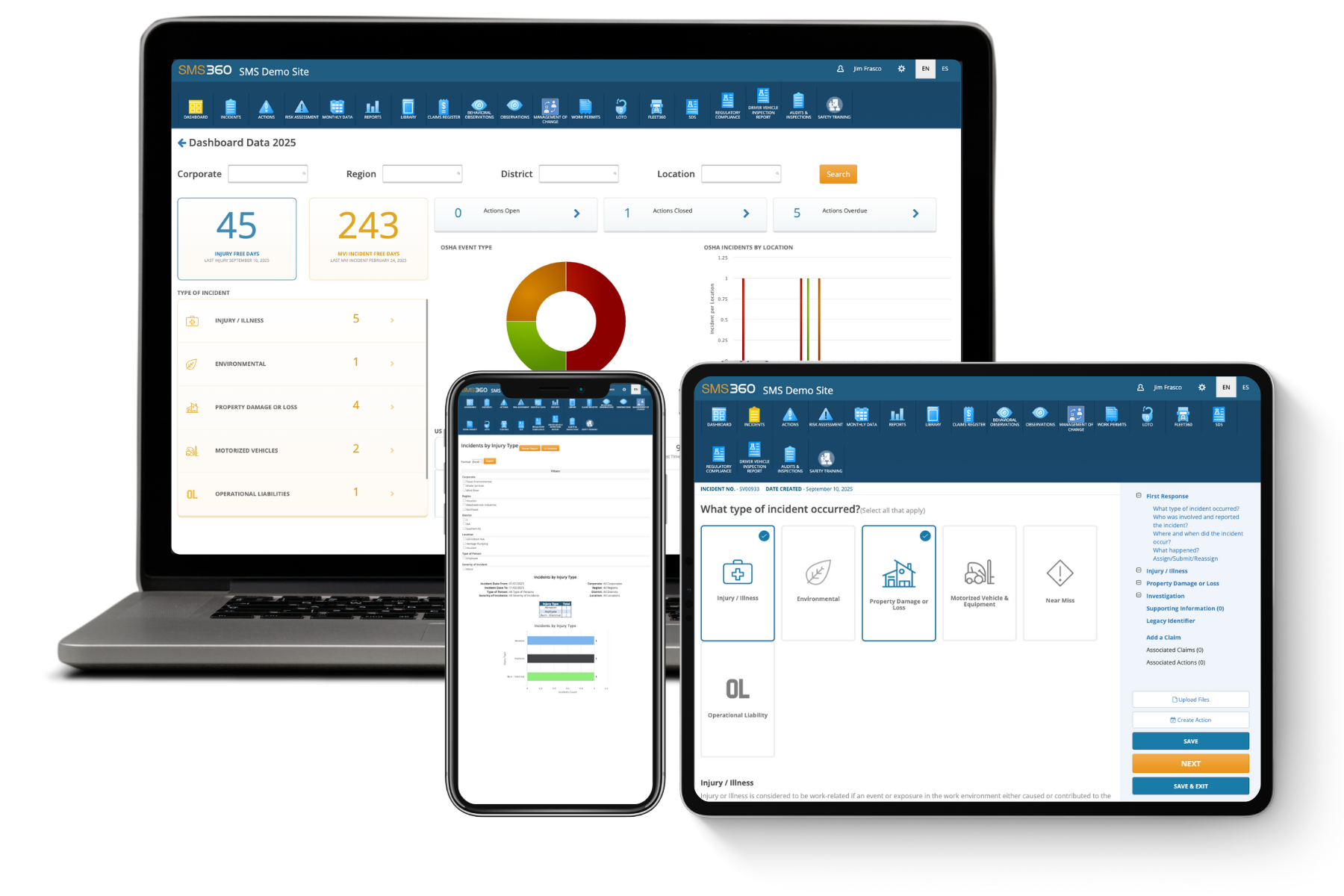
Laptop, smartphone, and tablet displaying SMS360 Demo Site with dashboards and incident reporting interfaces.
Free product demo

See how SMS360 simplifies safety, compliance, and reporting — all in one easy-to-use platform.

Get a personalized walkthrough of the platform, built around your team's workflows.

Explore the Core Modules That Power SMS360

Unite your entire safety program — incidents, audits, training, and compliance — in one place.

Audits & Inspections
Simplify every audit and inspection and stay compliant-ready year-round.
Conduct inspections on desktop, tablet, or mobile — even offline.
Customize checklists for departments, sites, or equipment.
Instantly flag and assign corrective actions to stay compliant.
Learn More
Incident Management
Take control of incidents from first response to resolution — all in one place.
Automate OSHA and DOT reporting with digital incident logs.
Capture photos, witness statements, and root causes in seconds.
Track corrective actions to close out incidents faster and prevent repeats.
Learn More
Regulatory Compliance
Keep your facility compliant with OSHA, DOT, and EPA — without the paperwork.
Manage permits, notices of violation, and inspection history.
Stay ahead of deadlines with automatic reminders and alerts.
Generate compliance reports in seconds for internal or external audits.
Learn More
Safety Observations
Identify risks before they become incidents — empower teams to act on the spot.
Log unsafe conditions or behaviors from any device.
Track trends by site, department, or supervisor.
Close the loop with automatic follow-ups and status tracking.
Learn More
Training Management
Build safer, smarter teams with consistent, trackable employee training and tracking management software.
Automate reminders, track sessions, and ensure timely completion.
Centralize attendance, upload documents, and maintain records.
Manage classroom and on-the-job training from a single platform.
Learn More
Risk Assessment
Turn environmental, health, and safety data into insight — predict and prevent what’s next.
Analyze trends and exposure using customizable risk models.
Rank hazards by severity and likelihood for smarter prevention.
Export visual risk reports for leadership and safety committees.
Learn More
Fleet Management
Manage drivers, vehicles, and inspections with Fleet360, software for fleet management.
Track driver qualifications, vehicle history, and DVIR logs.
Automate maintenance scheduling and compliance checks.
Stay FMCSA-ready with digital records and reports.
Learn More
Claims Management
Simplify the claims management process and get visibility into every cost and outcome.
Track claim expenses, statuses, and resolutions in real time.
Attach documentation, reports, and correspondence securely.
Reduce claim turnaround times with automated follow-up workflows.
Learn More
Work Permits
Digitize your permit process to ensure every task is reviewed, approved, and performed safely.
Create, review, and approve permits for high-risk work in minutes.
Assign responsible personnel and verify authorizations before tasks begin.
Track active, pending, and expired permits in real time.
Learn More
Lockout Tagout (LOTO)
Ensure equipment is safely locked and tagged before maintenance starts with SMS360's lockout tagout software.
Digitize and verify lockout/tagout procedures per asset.
Track authorization and completion for every employee.
Reduce equipment-related injuries and OSHA violations.
Learn More
Safety Data Sheets
Keep all chemical safety data accessible and compliant in one, easy-to-use SDS management system.
Store, search, and update SDS records anytime.
Provide instant access to workers during emergencies.
Ensure regulatory compliance with centralized documentation.
Learn More
Management of Change
Control how organizational, process, or equipment changes are requested, reviewed, and approved.
Submit and track change requests with clear status updates.
Assign reviewers and document risk or cost impacts instantly.
Maintain an auditable record of approvals and dispositions.
Learn More
Actions Management
Assign corrective and preventative  actions, set priorities, and monitor your team's progress to ensure nothing slips through the cracks.
Create, assign, and monitor actions with real-time updates.
Prioritize actions by risk level and due date.
Attach documents and notes for a complete audit trail.
Learn More
Document Library
Keep every safety and compliance file in one secure place. Upload, organize, and share documents instantly with full version control.
Store SDSs, manuals, and training files in one hub.
Add quick links to OSHA and external resources.
Manage permissions to control file access.
Learn More
Analytics & Reports
Generate reports, track KPIs, and uncover trends to improve environmental, health, and safety performance.
Instantly create OSHA, KPI, and incident reports.
Spot trends with causal analysis tools in SMS360.
Schedule and share safety and fleet reports.
Learn More