What is a notice of violation?
A notice of violation is issued when codes, ordinances, or regulations aren’t followed and is issued by local code enforcement. Businesses may not be following local codes and regulations, and usage of vehicles that are considered inoperable, Vehicles can be constituted as a public nuisance. Immediately upon receiving a notice of violation, actively make an effort to bring back compliance.
A notice of violation could be for many different reasons. Violations are given for improper usage of machinery or equipment, building code, ordinance violations, etc., These violations are given to ensure the safety of employees and buildings or citizens close to the building or equipment.
Examples of agencies that may issue notices of violation include the Occupational Safety and Health Administration (OSHA), Environmental Protection Agency (EPA), and building code enforcement agencies. These notices can be issued for a wide range of violations, including workplace safety violations, environmental violations, and building code violations.
How to respond to a notice of violation
- Review the notice: Carefully review the notice of violation to understand the nature of the violation and the required corrective action. Make sure you have a clear understanding of what is expected of you.
- Take corrective action: Take the necessary steps to correct the violation. This may involve making changes to your workplace practices, updating equipment, or providing additional training to employees.
- Document your response: Keep detailed records of your steps to correct the violation. This documentation can demonstrate to OSHA that you have taken the necessary steps to ensure compliance.
- Respond in writing: Provide a written response to the notice of violation, outlining the steps you have taken to correct the violation and ensure compliance. You should also provide a timeline for the completion of any remaining corrective actions.
- Meet with OSHA: If necessary, arrange to meet with an OSHA representative to discuss the notice of violation and your response. This meeting provides an opportunity to discuss any remaining concerns and to provide additional information about the steps you have taken to correct the violation.
- Comply with deadlines: Make sure you comply with any deadlines set out in the notice of violation. Failure to do so can result in additional enforcement actions, including fines or legal action.
Upon receiving a notice of violation you must maintain or obtain compliance. Preventative action is to be taken to avoid future violations and remain compliant. Be sure that all permits and licenses are up to date and in an accessible location. As the purpose of notice of violations is to correct unauthorized usage or construction, it is imperative to take these violations seriously. You are required to respond to the notice within 15 calendar days since the notice of violation was received.
To respond to a notice of violation, precautionary measures should be taken to retrieve compliance back. Implementing change and obtaining required permits within the time on the notice
There will be a re-inspection of the work and if it is not corrected there will be further enforcement action.
What happens if I receive multiple violations?
If you receive multiple violations from the Occupational Safety and Health Administration (OSHA), it means that the agency has found multiple safety violations at your workplace. The consequences of these violations will depend on the nature and severity of the violations, as well as the history of safety violations at your workplace.
Typically, OSHA may issue fines for each violation, and repeat violations can result in higher fines. In some cases, OSHA may also require the company to correct the violations within a specified time frame. If the violations are not fixed, the company may face further enforcement actions, including additional fines or legal action.
It's imperative to take OSHA violations seriously and take steps to correct them promptly to avoid further penalties and to ensure the safety of your employees. You may also want to consider seeking the advice of an attorney or safety consultant to help you navigate the enforcement process and ensure that your company complies with all OSHA regulations.
How should I keep track of them?
There are several ways to keep track of OSHA notices of violation:
- Maintain accurate and organized records: Keep a detailed record of all OSHA inspections and any notices of violation you receive. This will help you stay on top of the violations and ensure that you are taking the necessary steps to correct them promptly.
- Establish a reporting system: Create a system for reporting and tracking OSHA violations and any actions taken to correct them. This will help you keep track of your progress and ensure that all violations are corrected in a timely and efficient manner.
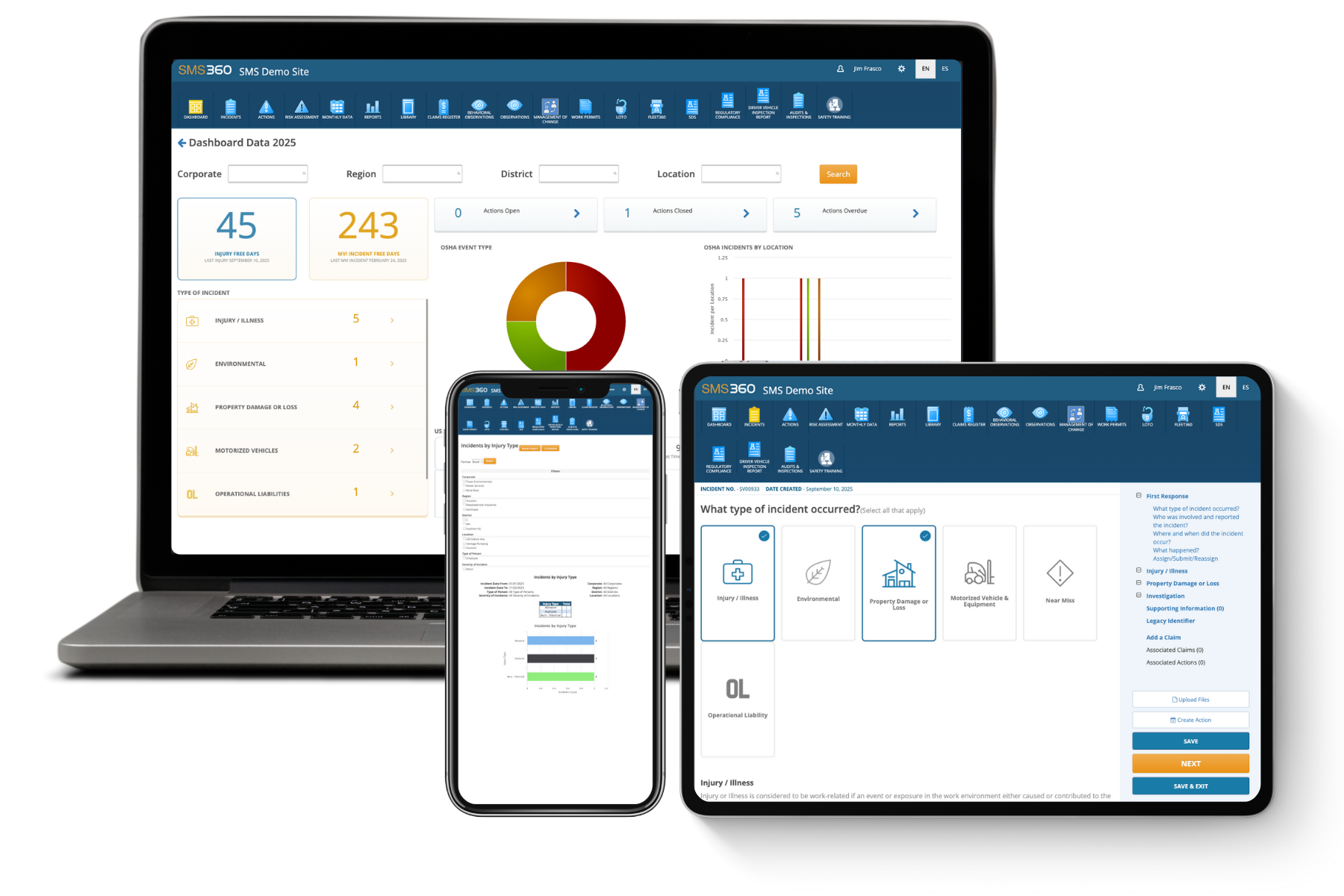
- Utilize technology: There are various software and tools available that can help you track and manage OSHA violations. These tools can help you organize and store all relevant information in one central location for easy access and management.
- Stay informed: Keep up-to-date with changes to OSHA regulations and standards. This will help you stay informed about your obligations and take the necessary steps to ensure compliance.
- Seek assistance: If you are having difficulty tracking and managing OSHA violations, consider seeking the assistance of an attorney, safety consultant, or OSHA-authorized outreach trainer. They can provide guidance and support to help you stay in compliance with OSHA regulations.
By implementing these measures, you can ensure that you are taking the necessary steps to stay compliant with OSHA regulations and minimize the risk of further notices of violation.
Manage Notice of Violations in SMS360
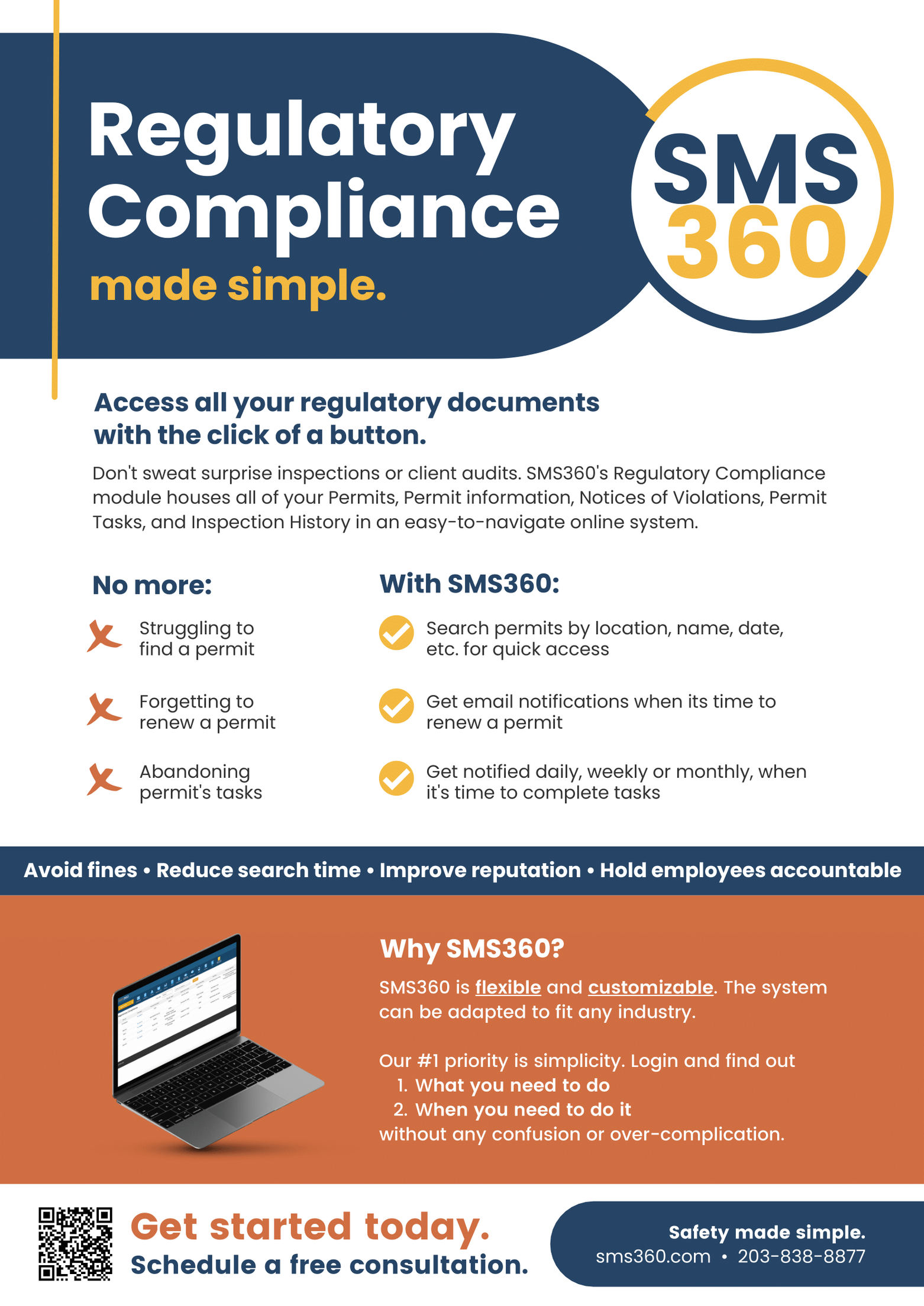
With SMS360, you can house all your permits in one place! Misplacing permits, forgetting to renew them, and neglecting permit tasks are all problems of the past when you switch to a digital permit manager.
SMS360 can be used to track and manage permits and violations related to these regulations, ensuring that organizations are operating within legal and ethical boundaries. SMS360 also helps automate the process of applying for permits, submitting reports, and responding to violations.
Worker, vehicle, and facility permits can be tough to keep organized especially when you’re operating in multiple locations, cross state borders, and have a revolving door of employees, contractors, and vehicles.
Administrators waste a lot of time flagging expired permits, tracking down new ones, or making certain permit tasks are being completed.
Hours of busy work can be prevented by housing all your permits in one digital location. With an online permit manager, safety managers can organize and view permits at any time and anywhere. Since SMS360 is a cloud-based system, employees and employers can also access the platform to stay up to date with permits and new regulations.
Overall, SMS360 is intended to help organizations create a safer, healthier, and more productive workplace for their employees, while also minimizing potential financial and legal liabilities.