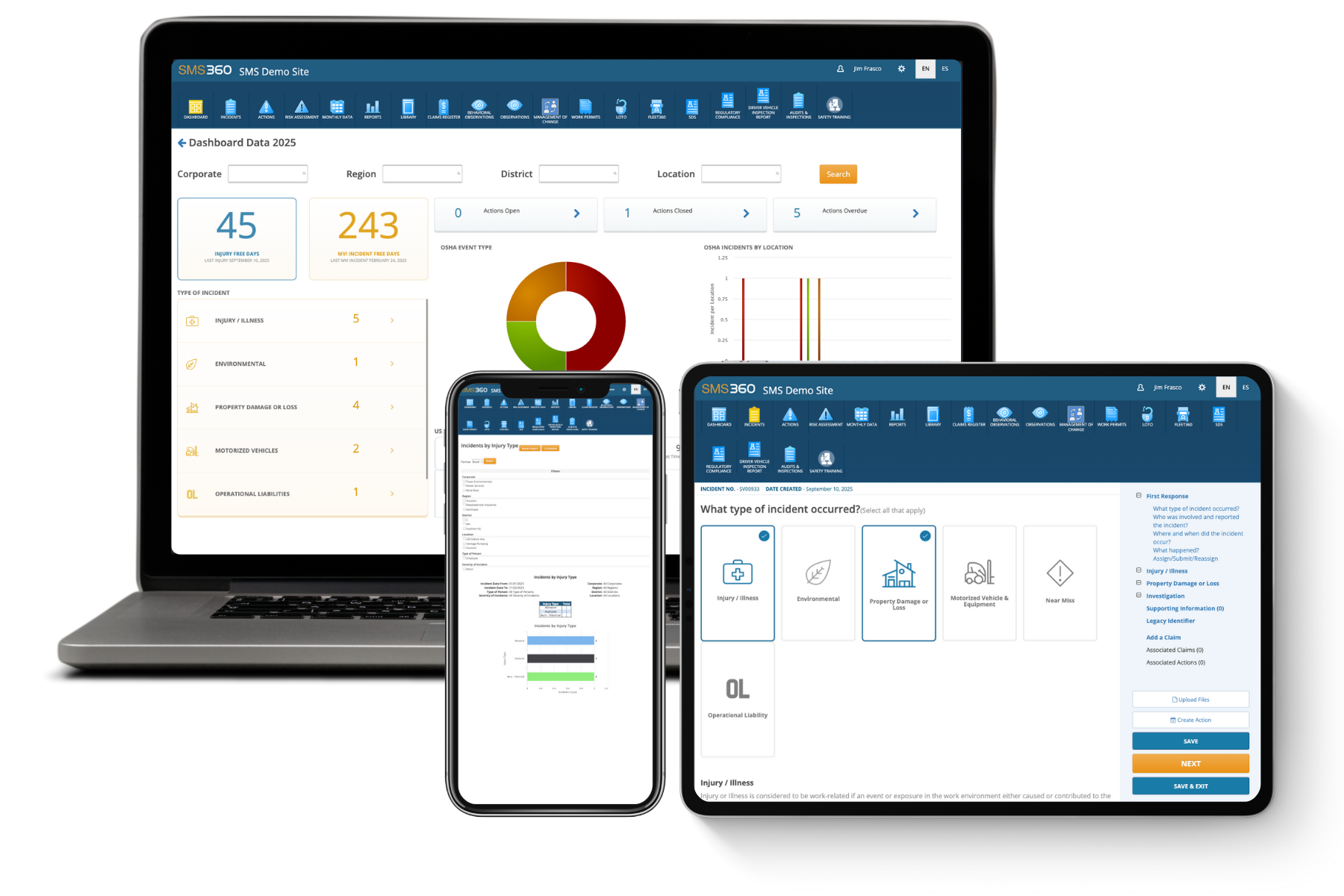
When it comes to ensuring workplace safety, OSHA compliance audits are crucial. They help organizations identify potential violations before inspection day, allowing proactive measures to mitigate risks. By utilizing compliance management software, companies can streamline their internal audits and cultivate a culture of safety. In this blog post, we’ll explore how internal audit software can significantly improve your organization's safety compliance strategy.
Understanding OSHA Compliance Audits
Conducting regular OSHA compliance audits is a proactive approach to minimizing risks associated with workplace safety violations. These audits assess the effectiveness of safety protocols and pinpoint areas that may require improvement.
Why Internal Audits Matter
- Prevent Financial Penalties: OSHA violations can carry hefty fines. Internal audits help catch non-compliance issues before they escalate and incur costs.
- Enhance Workplace Safety: By fostering a strong safety culture, companies can significantly reduce incidents and injuries, benefiting both employees and management.
- Boost Morale and Productivity: Employees are more confident and productive when working in a safe environment, which contributes positively to overall business performance.
The Role of Compliance Management Software
Modern technology has transformed how organizations conduct OSHA compliance audits. Enter compliance management software. Here’s how it can help:
1. Streamlined Processes: Automate audits to save time and resources while ensuring all necessary checkpoints are addressed.
2. Data-Driven Insights: Generate detailed reports and track trends to identify recurring issues, enabling proactive measures.
3. Real-Time Monitoring: Keep an eye on compliance status continuously and receive alerts about potential risks, facilitating quicker responses.
Real-Life Examples of Internal Audit Success
To illustrate the impact of using internal audit software, let’s look at some real-life scenarios:
- Company A, a logistics provider, adopted a compliance management solution and began conducting monthly internal audits. Within six months, they reduced OSHA violations by 30% by proactively addressing previously overlooked issues.
- Company B, operating in the energy sector, utilized audit software to build a culture of safety. They transformed compliance meetings into collaborative brainstorming sessions, engaging employees in safety initiatives and ensuring accountability. This approach dramatically decreased workplace incidents.
Key Features of Effective Internal Audits Software
Investing in the right compliance management software can set your organization apart. Look for tools that offer:
- Customizable Audit Checklists: Tailor audits to meet specific operational needs.
- Integration Capabilities: Seamlessly integrate with existing systems for efficient management.
- User-Friendly Interface: Enhance usability to promote comprehensive engagement from all team members.
- Mobile Accessibility: Conduct audits on the go, increasing flexibility and saving time.
Making the Transition to Internal Audits Software
Adopting new technology can be daunting. However, following structured steps can ease the transition:
1. Evaluate Your Needs: Identify what features are most critical for your organization.
2. Choose the Right Software: Compare options based on user experience, customer support, and scalability.
3. Train Your Team: Conduct training sessions to ensure everyone knows how to use the software effectively.
4. Regularly Review Performance: Periodically assess the software's effectiveness in enhancing compliance.
Why SMS360's Safety and Compliance Software?
In today’s complex regulatory environment, leveraging SMS360’s safety and compliance software can be a game-changer. SMS360 offers a configurable solution tailored to the specific needs of organizations across various industries, including logistics, energy, and waste management. Key benefits include:
- Industry Versatility: Works effectively across diverse sectors, providing adaptability.
- Scalability: Grows with your business as compliance requirements evolve.
- User-Centric Design: Focuses on usability, promoting a culture of safety and engagement.
FAQs About OSHA Compliance Audits and Internal Audits Software
Q1: How often should I conduct OSHA compliance audits?
A: It's recommended to conduct audits at least quarterly to stay ahead of potential violations, but monthly audits are ideal for ensuring ongoing compliance.
Q2: What are the most common OSHA violations?
A: Common violations include fall protection, hazard communication, and scaffolding requirements. Regular audits can help address these issues before they escalate into larger problems.
Q3: Can compliance management software integrate with my current systems?
A: Most modern compliance management software, including SMS360, is designed for seamless integration with existing systems, enhancing overall functionality and ease of use.
Investing in internal audits software is essential if you aim to avoid OSHA violations and strengthen your organization's workplace safety culture. With effective OSHA compliance audits and the right compliance management software, you can significantly mitigate risks, protect your workforce, and enhance your bottom line.
Ready to take your safety and compliance strategy to the next level? Explore SMS360's comprehensive safety and compliance software today. Book a free consultation call to discover how we can support your organization in achieving its safety goals.