Fatigue is one of the most persistent risks in commercial driving. A tired driver reacts more slowly, misjudges distances, and can drift into microsleeps without realizing it. The Federal Motor Carrier Safety Administration (FMCSA) addresses that risk through the hours of service (HOS) rules, which limit how long commercial drivers can drive and work before they must rest.
HOS violations are also among the most common problems found at roadside inspections, and they feed directly into a carrier's CSA scores. This guide breaks down the rules in plain English, explains the main exceptions, and shows how fleets can stay compliant without constant firefighting.
Who Must Follow the Hours of Service Rules?
The federal HOS rules in 49 CFR Part 395 apply to drivers of commercial motor vehicles (CMVs) operating in interstate commerce. In general, a vehicle is a CMV if it:
- Has a gross vehicle weight rating or gross combination weight rating of 10,001 pounds or more.
- Is designed or used to carry 9 to 15 passengers (including the driver) for compensation, or 16 or more passengers not for compensation.
- Transports hazardous materials in quantities that require placards.
Many states adopt the federal rules, sometimes with changes, for intrastate drivers. If your fleet operates only within one state, check that state's rules as well.
The Core HOS Limits for Property-Carrying Drivers
Most fleets in construction, oil and gas, waste, logistics, and public works run property-carrying vehicles. These drivers follow four main limits, often described as "clocks."
The 11-Hour Driving Limit
A driver may drive a maximum of 11 hours after 10 consecutive hours off duty. Once the driver hits 11 hours behind the wheel, they cannot drive again until they take another 10 consecutive hours off.
The 14-Hour Window
A driver may not drive beyond the 14th consecutive hour after coming on duty, following 10 consecutive hours off. This is a window, not a total of work hours. The clock starts when the driver begins any work, such as a pre-trip inspection or loading, and it keeps running through lunch, fuel stops, and delays at a shipper. After 14 hours, the driver can still do non-driving work but cannot drive.
The 30-Minute Break
Drivers must take a break of at least 30 consecutive minutes after 8 cumulative hours of driving. Since the 2020 rule changes, the break can be spent off duty, in the sleeper berth, or on duty but not driving, such as during fueling or a delivery. The break does not stop the 14-hour clock.
The 60/70-Hour Limit
Drivers may not drive after 60 hours on duty in 7 consecutive days, or 70 hours on duty in 8 consecutive days. Which limit applies depends on whether the carrier operates every day of the week. This is a rolling total, so hours from the oldest day drop off as each new day is added.
The 34-Hour Restart
A driver can reset the 60/70-hour clock to zero by taking at least 34 consecutive hours off duty. The restart is optional, but it is the main tool drivers and dispatchers use to regain weekly hours.
Sleeper Berth Provisions
Drivers with a sleeper berth have more flexibility in how they take their 10 hours off. Under the split sleeper berth option, a driver can divide the 10 hours into two periods:
- One period of at least 7 consecutive hours in the sleeper berth.
- A second period of at least 2 consecutive hours, either off duty or in the sleeper berth.
The two periods must add up to at least 10 hours, as in an 8/2 or 7/3 split. When the driver uses a qualifying split, neither period counts against the 14-hour window. Splits are easy to get wrong, so drivers should understand how their ELD calculates them before relying on this option.
Rules for Passenger-Carrying Drivers
Bus and motorcoach drivers follow different limits:
- 10-hour driving limit: no more than 10 hours of driving after 8 consecutive hours off duty.
- 15-hour on-duty limit: no driving after 15 hours on duty, following 8 hours off. Unlike the 14-hour window, off-duty time does not count toward the 15 hours.
- 60/70-hour limit: the same weekly limits as property carriers.
- Sleeper berth: drivers using a sleeper berth must take at least 8 hours, which can be split into two periods of at least 2 hours each.
Passenger carriers do not have the 30-minute break requirement.
Common HOS Exceptions
Several exceptions give fleets flexibility. Each one has conditions, and misusing them is a common source of violations.
Short-Haul Exception
Drivers who stay within a 150 air-mile radius of their normal work-reporting location, return there each day, and are released within 14 hours do not need to keep a record of duty status or use an ELD. The carrier must still keep time records showing when each driver started and ended work. Drivers using this exception are also exempt from the 30-minute break.
Adverse Driving Conditions
If a driver runs into unexpected adverse conditions, such as snow, fog, or a road closure that was not known when the trip started, they may extend both the 11-hour driving limit and the 14-hour window by up to 2 hours. The conditions must be unforeseen. Weather that was forecast before departure usually does not qualify.
16-Hour Short-Haul Exception
Property-carrying drivers who return to their work-reporting location every day can extend the 14-hour window to 16 hours once every 7 days, or once after a 34-hour restart. This helps with occasional long days, but it does not add extra driving time.
Personal Conveyance
Drivers may move a CMV for personal reasons while off duty, such as driving from a shipper to a nearby truck stop to rest, or from a hotel to a restaurant. Personal conveyance cannot be used to move a load closer to its destination or for any business purpose. Fleets should set a written policy on when it is allowed.
ELDs and Recordkeeping
Most drivers who must keep a record of duty status are required to use an electronic logging device (ELD). The main exceptions are drivers using the short-haul exception, drivers who keep logs no more than 8 days in any 30-day period, driveaway-towaway operations, and vehicles with engines older than model year 2000.
Carriers must keep records of duty status and supporting documents, such as fuel receipts, bills of lading, and dispatch records, for at least six months. ELD data is reviewed at roadside inspections and during compliance investigations, so log accuracy matters every day, not just at audit time.
What Happens When a Driver Violates HOS
At a roadside inspection, a serious HOS violation can put the driver out of service on the spot until they have taken enough off-duty time to be compliant. The carrier may face civil penalties, and the violation counts in the HOS Compliance category of CSA. A pattern of violations can trigger an FMCSA investigation, a lower safety rating, and higher insurance costs.
Changes to Watch in 2026
The core HOS limits have not changed since FMCSA's 2020 final rule. In 2026, FMCSA has been running pilot programs with a limited group of carriers and drivers to test more flexibility, including the ability to pause the 14-hour window and additional sleeper berth split options. These pilots apply only to enrolled participants. Everyone else must follow the current rules until FMCSA issues a final rule.
How to Keep Your Fleet HOS-Compliant
- Train drivers and dispatchers together. Dispatchers who understand the clocks are less likely to assign loads that push drivers over the limits.
- Audit logs regularly. Review ELD data weekly for violations, unassigned driving time, edits, and personal conveyance misuse.
- Compare logs to supporting documents. Fuel receipts, toll records, and GPS data should match the driver's duty status.
- Plan for delays. Build realistic schedules that account for detention, traffic, and weather.
- Address fatigue beyond the rules. A driver can be legal and still be too tired to drive safely. Make it clear that drivers can stop without penalty.
How SMS360 Supports HOS Compliance
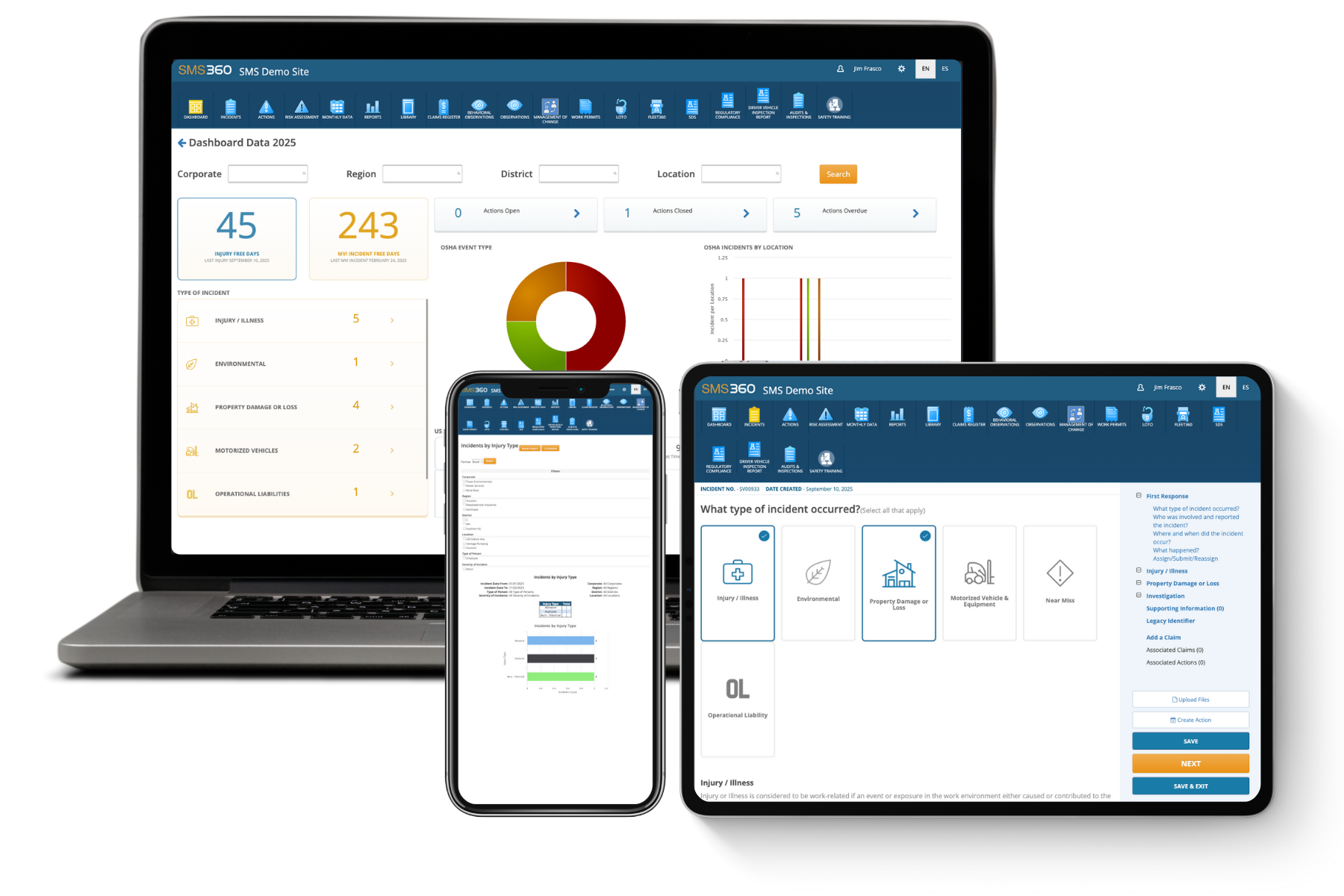
Fleet360 from SMS360 helps fleets keep driver records and compliance tasks in one place. Use DOT Compliance tools to stay audit-ready, Driver Qualification files to track training and policy acknowledgments, and Reports to spot trends across drivers and locations. Request a demo to see how it works for your fleet.
Frequently Asked Questions
Does the 30-minute break stop the 14-hour clock?
No. The 14-hour window keeps running no matter what the driver does during the day, including breaks, meals, and waiting at a dock. The 30-minute break is a separate requirement that applies after 8 cumulative hours of driving. Since 2020, drivers can satisfy it with any 30 consecutive minutes of non-driving time, whether off duty, in the sleeper berth, or on duty doing other work such as fueling or unloading. The only standard way to exclude time from the 14-hour window is a qualifying split sleeper berth period, where a period of 7 or more hours in the sleeper berth does not count against the window. FMCSA has tested a "pause" option for the 14-hour clock in pilot programs, but it is not part of the general rules. Unless your fleet is enrolled in a pilot, plan as though every hour after coming on duty counts.
What is the difference between the 11-hour and 14-hour rules?
The 11-hour rule limits time spent actually driving. The 14-hour rule limits the window of time during which driving can happen. Both start fresh after 10 consecutive hours off duty, and a driver must stop driving when either limit is reached, whichever comes first. For example, a driver who comes on duty at 6:00 a.m. cannot drive after 8:00 p.m., even if they have only driven 7 hours because of long waits at a customer. On the other hand, a driver who drives 11 hours by 5:00 p.m. must stop driving even though the 14-hour window is still open. In both cases, the driver can still do non-driving work, such as paperwork, but cannot get back behind the wheel until they complete 10 hours off.
Do HOS rules apply to drivers who only operate within one state?
The federal HOS rules apply to interstate commerce. But "interstate" is broader than many fleets think. A driver who never crosses a state line can still be in interstate commerce if the cargo started in or is headed to another state, such as freight moving from a port or rail yard. For truly intrastate operations, most states have adopted HOS rules of their own. Many mirror the federal limits, while others allow longer driving or on-duty hours, such as 12 hours of driving or a 16-hour window. Rules for intrastate hazmat carriers and certain industries can differ again. Before assuming your drivers are exempt, review where your freight originates and is delivered, and check your state's motor carrier regulations or ask your state enforcement agency.
Can a driver use personal conveyance to reach a safe place to rest after running out of hours?
Often, yes. FMCSA guidance allows personal conveyance to move a CMV to the nearest reasonable, safe location to obtain required rest, such as when a shipper or receiver will not let the driver park on site after loading or unloading. The driver must be relieved from duty, the movement cannot advance the load toward its destination, and the trip should be reasonable in distance. Personal conveyance cannot be used to bypass an available safe location to get closer to the next stop, or for any business purpose. Because misuse is a frequent audit finding, fleets should write a clear personal conveyance policy, train drivers on it, and review ELD personal conveyance entries regularly to confirm they line up with the rules.
What happens if a driver goes over their hours because of unexpected weather?
The adverse driving conditions exception allows a driver to extend both the 11-hour driving limit and the 14-hour window by up to 2 hours when they run into conditions they could not have known about when the trip began, such as sudden snow, dense fog, or an unexpected road closure. The driver should annotate the log to explain the conditions and why the extension was needed. The exception does not cover routine traffic congestion or weather that was already forecast before departure, and it does not let a driver keep going if conditions make driving unsafe. Under federal rules, drivers must use extreme caution in hazardous conditions and stop driving if it becomes sufficiently dangerous. Train drivers that pulling over is always the right call, and back them up when they do.