Every commercial driver who operates in interstate commerce must be medically qualified to drive. That qualification comes from the DOT physical, and proof of it has traditionally been the "medical card," a wallet-sized certificate drivers carried in the cab.
That is changing. Under FMCSA's Medical Examiner's Certification Integration rule, medical exam results for CDL drivers now flow electronically from the examiner to FMCSA to the state. As of October 12, 2026, the nationwide exemption that let CDL drivers and carriers rely on a paper card has expired in every state except Alaska. For fleets, that means new verification steps and new ways for a driver to fall out of compliance without anyone noticing.
This guide explains who needs a DOT physical, what the exam covers, how long certificates last, and what fleets must do to stay compliant under the new electronic system.
Who Needs a DOT Physical?
Under 49 CFR Part 391, drivers must be medically certified if they operate a commercial motor vehicle (CMV) in interstate commerce. That generally includes vehicles that:
- Have a gross vehicle weight rating or gross combination weight rating of 10,001 pounds or more.
- Are designed or used to carry 9 to 15 passengers for compensation, or 16 or more passengers not for compensation.
- Transport placarded quantities of hazardous materials.
That last point catches many fleets off guard. A driver does not need a CDL to need a DOT physical. A driver of a 14,000-pound box truck or service vehicle crossing state lines must be medically certified too. Many states also require medical certification for intrastate drivers.
What Happens During a DOT Physical
Who Can Perform the Exam
The exam must be done by a medical examiner listed on FMCSA's National Registry of Certified Medical Examiners. Examiners can include physicians, physician assistants, advanced practice nurses, and chiropractors who have completed FMCSA training and testing. An exam by an unlisted provider does not count, no matter how thorough.
The Medical History
The driver completes a health history on the Medical Examination Report form (MCSA-5875). It covers surgeries, medications, heart conditions, diabetes, sleep disorders, seizures, mental health, and substance use. Drivers must answer honestly. Falsifying the history can lead to disqualification and penalties.
The Physical Standards
The examiner checks the driver against the physical qualification standards in 49 CFR 391.41. Key areas include:
- Vision: at least 20/40 acuity in each eye, with or without correction, a horizontal field of vision of at least 70 degrees in each eye, and the ability to recognize the colors of traffic signals. Drivers who cannot meet the vision standard in one eye may qualify under FMCSA's alternative vision standard.
- Hearing: the driver must perceive a forced whisper at five feet or more in the better ear, with or without a hearing aid, or pass an audiometric test.
- Blood pressure: high readings can shorten the certificate or disqualify the driver until it is under control.
- Urinalysis: checks for protein, blood, and sugar as indicators of other conditions. This is not a drug test. DOT drug testing is a separate process.
- General physical exam: heart, lungs, abdomen, spine, extremities, and neurological function.
Common Conditions That Need Extra Steps
Some conditions do not automatically disqualify a driver, but require extra documentation or more frequent exams:
- Insulin-treated diabetes: the driver's treating clinician must complete an assessment form before the exam. Certification is limited to a maximum of 12 months.
- Hypertension: drivers being treated for high blood pressure are typically certified for one year at a time.
- Sleep apnea: examiners may require evaluation or proof of treatment compliance, such as CPAP usage reports.
- Heart conditions: drivers may need clearance from a cardiologist after events such as a heart attack or stent placement.
How Long Is a DOT Medical Card Good For?
The maximum certification period is 24 months. The examiner can issue a shorter certificate when a condition needs monitoring. Common examples include:
The Big 2026 Change: Electronic Medical Certification for CDL Drivers
How the System Works Now
Under the Medical Examiner's Certification Integration rule, which took effect June 23, 2025:
- The medical examiner sends exam results electronically to FMCSA, generally by midnight of the next calendar day.
- FMCSA sends the results for CDL and CLP holders to the state driver licensing agency.
- The state posts the driver's medical certification status to their driving record (CDLIS motor vehicle record).
CDL drivers no longer need to deliver a copy of their medical certificate to the state themselves.
Paper Cards No Longer Count for Most CDL Drivers
While states caught up, FMCSA issued a series of temporary exemptions letting CDL drivers and carriers use a paper medical certificate as proof for up to 60 days after issuance. The last nationwide exemption expired on October 11, 2026. Starting October 12, 2026, CDL and CLP holders licensed outside Alaska, and the carriers that employ them, can no longer rely on a paper certificate as proof. The driver's motor vehicle record is now the proof.
Alaska-licensed drivers have a separate exemption that runs through October 12, 2027.
What Has Not Changed
The new system covers CDL and CLP holders only. Non-CDL drivers who must be medically certified, such as many box truck and service vehicle drivers, still receive a paper medical examiner's certificate. Carriers must keep a copy in the driver qualification file and verify the examiner is on the National Registry.
What Fleets Need to Do Now
Verify Through the MVR
For CDL drivers, pull a motor vehicle record after each new physical and confirm the updated medical status has posted. Keep that record in the driver qualification file. If the state record does not show current certification, the driver should not be dispatched until the issue is fixed.
Watch for Posting Delays and Errors
Electronic systems can lag or contain mistakes. A driver may pass a physical and still show as "not certified" if the examiner's submission fails or the state does not post it. Build a buffer by scheduling physicals well before expiration, at least 30 to 45 days ahead.
Understand What Happens When Certification Lapses
If a CDL driver's medical certification expires, the state will begin a downgrade process that can remove the CDL privilege from the license. Getting it reinstated takes time and paperwork. A lapsed medical certificate can also put the driver out of service at a roadside inspection.
Keep Non-CDL Drivers on Your Radar
Because non-CDL drivers still use paper certificates, they are easy to overlook. Track their expiration dates in the same system as your CDL drivers.
How SMS360 Helps
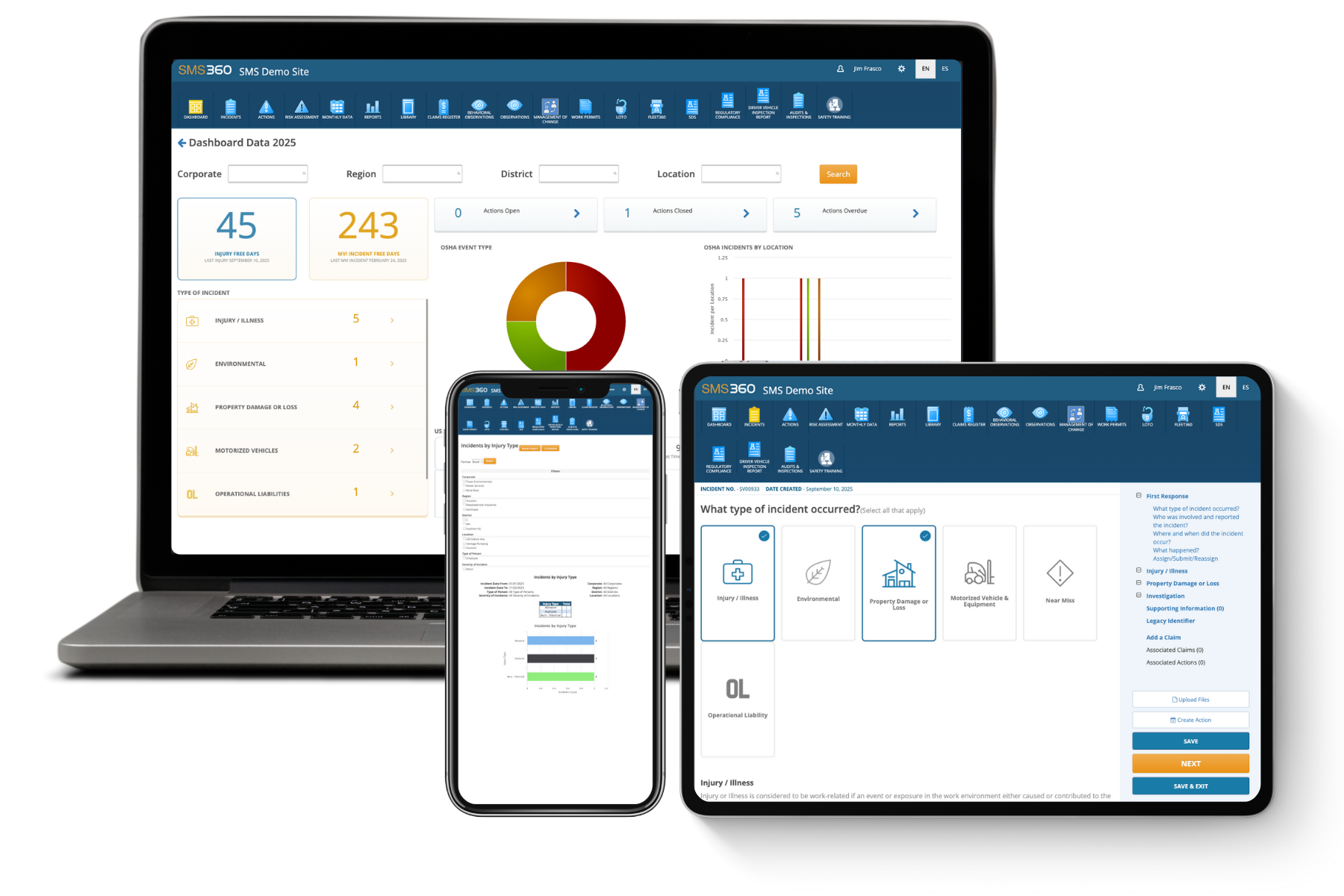
Fleet360's Driver Qualification module keeps every driver's medical certification, MVRs, and expiration dates in one place, with automatic reminders before certificates expire. DOT Compliance tools help you stay audit-ready across CDL and non-CDL drivers. Request a demo to see how it works.
Frequently Asked Questions
Do CDL drivers still need to carry a paper medical card?
For most CDL drivers, the paper card no longer serves as proof of medical certification. Since the nationwide exemption expired on October 11, 2026, the driver's medical certification status on their state driving record is what counts, both for carriers and for roadside enforcement. Alaska-licensed drivers are the main exception and can still rely on a paper certificate for up to 60 days after issuance under a separate exemption. Some drivers still choose to keep a copy of their certificate, and FMCSA has encouraged examiners to keep giving drivers a copy during the transition. That can be useful if there is a problem with the electronic record. But a paper card will not fix a missing or incorrect state record. If the record is wrong, the driver should contact the medical examiner and the state licensing agency right away.
What should a fleet do if a driver's new physical has not posted to their record?
First, confirm with the driver that the exam was completed and that the examiner is listed on the National Registry. Then have the driver contact the medical examiner to confirm the results were submitted to FMCSA. If the examiner submitted the results, the driver should contact their state licensing agency to find out why the record has not been updated. In the meantime, the safest course is not to dispatch the driver in a CMV that requires a CDL, because their record does not show valid certification. To avoid this situation, schedule physicals 30 to 45 days before the current certificate expires. That gives time to resolve posting delays before the old certification runs out.
Can a driver with diabetes get a DOT medical card?
Yes, in most cases. Drivers whose diabetes is managed with diet, exercise, or oral medications are evaluated like any other condition, and the examiner decides whether the condition is controlled well enough to drive safely. Drivers who use insulin can also qualify under FMCSA's 2018 rule. Their treating clinician must complete an Insulin-Treated Diabetes Mellitus Assessment Form shortly before the DOT physical, confirming the driver has a stable insulin regimen and properly controlled diabetes. The medical examiner then decides whether to certify the driver, for no more than 12 months at a time. Drivers with severe hypoglycemic episodes or certain complications, such as advanced diabetic retinopathy, may not qualify. Fleets should track these shorter certificates closely.
Does a DOT physical include a drug test?
No. The urinalysis in a DOT physical checks only for protein, blood, and sugar, which can point to kidney disease, diabetes, or other medical issues. DOT drug and alcohol testing is a separate program under 49 CFR Part 382 for CDL drivers. It includes pre-employment, random, post-accident, reasonable suspicion, return-to-duty, and follow-up testing through a certified laboratory and medical review officer. Some employers schedule a drug test at the same clinic visit as the physical for convenience, but they are different requirements with different records. Keep the medical certification in the driver qualification file and drug and alcohol testing records in a separate, confidential file, as the regulations require.
Can a driver choose their own medical examiner?
Yes. A driver can visit any medical examiner listed on FMCSA's National Registry, and the employer can also require drivers to use a specific clinic. Either way, the examiner must be listed on the Registry at the time of the exam, or the certification is not valid. If a driver fails a physical, they cannot simply shop for a more lenient examiner and hide the first result. The medical history form asks about previous findings, and examiners can see prior exam submissions. Many fleets prefer to set up a relationship with one or two occupational health clinics. That brings consistent standards, faster turnaround, and easier coordination when a driver needs follow-up testing or specialist clearance.