In workplace safety, not all injury metrics tell the same story. While Total Recordable Incident Rate (TRIR) measures overall recordable injuries, DART rate focuses on the cases that disrupt operations the most — those that result in days away from work, restricted duty, or job transfer.
DART, which stands for Days Away, Restricted, or Transferred, measures the frequency of more serious injuries that impact productivity and workforce stability. It offers a sharper lens into injury severity and operational impact.
For safety leaders, executives, and compliance teams, DART rate is more than a reporting metric — it’s a performance indicator that reflects both risk exposure and system effectiveness.
What Is DART Rate?
DART rate measures the number of OSHA-recordable incidents that result in:
- Days away from work
- Restricted work activity
- Job transfer
Unlike TRIR, which includes all recordable injuries, DART specifically captures cases that significantly affect an employee’s ability to perform normal duties.
This distinction matters. A minor first-aid case and a multi-week lost-time injury may both count toward TRIR, but only the latter impacts DART.
Because DART highlights more severe outcomes, it is often viewed as a stronger indicator of safety system maturity.
How to Calculate DART Rate
The DART formula is standardized by OSHA:
DARTRate=(Number of DART cases×200,000)Total hours worked by all employeesDARTRate=Total hours worked by all employees(Number of DART cases×200,000)
The multiplier of 200,000 represents 100 full-time employees working 40 hours per week for 50 weeks per year. This standardization allows comparison across companies of different sizes.
Example Calculation
If an organization had:
- 6 DART cases in a year
- 400,000 total hours worked
The calculation would be:
(6 × 200,000) ÷ 400,000 = 3.0 DART rate
This means the company experienced three DART cases per 100 full-time workers.
Why DART Rate Is So Important
DART rate matters because it reflects operational disruption.
When employees miss work or require job transfers:
- Productivity decreases
- Overtime costs increase
- Replacement labor may be required
- Morale can decline
- Insurance costs may rise
High DART rates often indicate systemic weaknesses in hazard identification, training effectiveness, supervision, or engineering controls.
Insurance carriers and regulatory agencies frequently review DART rates when evaluating organizational risk.
DART vs. TRIR: Understanding the Difference
While TRIR measures total recordable incidents, DART isolates those with greater severity.
An organization may have a relatively low TRIR but a high DART rate, suggesting that while incidents are infrequent, those that occur are serious.
Conversely, a higher TRIR but lower DART rate may indicate frequent minor injuries but fewer severe cases.
Both metrics are important, but DART often draws greater scrutiny from executives and insurers because of its operational impact.
Industry Benchmarks and Comparisons
DART rates vary widely across industries. Construction, manufacturing, warehousing, and energy sectors typically report higher rates than administrative or office-based environments.
Benchmarking against industry averages provides context, but internal trends matter more than external comparison.
A steadily declining DART rate signals improving risk management maturity.
Common Drivers of High DART Rates
Understanding what drives elevated DART rates allows organizations to intervene strategically.
Inadequate Hazard Identification
Unidentified or unmitigated hazards frequently lead to serious injuries.
Weak Training Programs
Employees who lack proper training are more likely to experience restricted or lost-time injuries.
Poor Corrective Action Follow-Through
Recurring hazards often result from incomplete corrective action implementation.
Fatigue and Workload Pressure
Operational pressure may increase the likelihood of severe incidents.
Addressing DART requires examining both physical and behavioral risk factors.
Using DART as a Leading Indicator Tool
While DART is technically a lagging indicator — because it measures injuries that have already occurred — it can inform proactive strategy when paired with leading indicators such as:
- Near miss reporting
- Open corrective actions
- Safety observation trends
- Audit findings
For example, an increase in near misses related to slips may predict future DART-level fall injuries if not addressed.
Organizations that integrate leading and lagging indicators outperform those that rely on injury rates alone.
The Role of Documentation and Data Integrity
Accurate DART calculation depends on consistent recordkeeping.
Misclassification of injuries can distort results. Safety teams must ensure:
- Proper OSHA recordability determination
- Accurate documentation of restricted duty days
- Timely data entry
- Clear communication with HR and operations
Without reliable data, the DART rate loses credibility.
Leveraging Technology to Monitor DART Trends
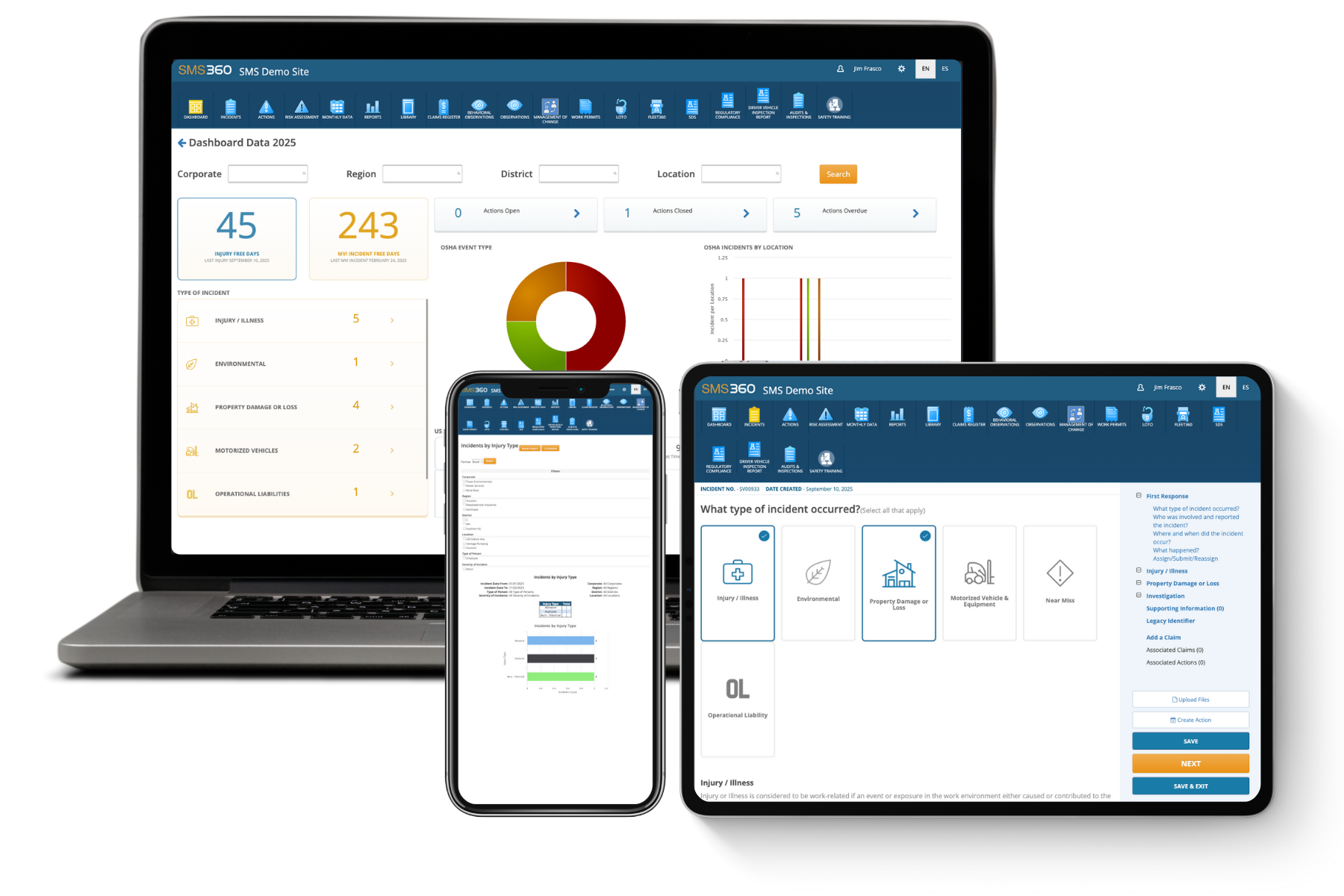
Modern EHS platforms streamline DART tracking by:
- Automatically calculating rates
- Linking incidents to OSHA classifications
- Providing real-time dashboards
- Comparing performance across sites
- Identifying injury severity patterns
Centralized reporting reduces manual calculation errors and allows leadership to monitor performance continuously rather than waiting for year-end reviews.
Over time, organizations can correlate DART trends with training initiatives, equipment upgrades, or policy changes to evaluate effectiveness.
Turning DART Data into Strategy
The true value of DART lies in how organizations respond.
When DART rises, leadership should ask:
- Are certain departments driving severity?
- Are specific job roles overrepresented?
- Is tenure influencing injury risk?
- Are restricted duty policies applied consistently?
DART analysis often reveals deeper organizational insights — including supervision gaps or process design flaws.
Reducing DART is rarely about a single intervention. It requires strengthening risk assessment processes, improving training, enhancing corrective action tracking, and reinforcing accountability at every level.
FAQs About DART Rate
1. What qualifies as a DART case?
Any OSHA-recordable injury that results in days away from work, restricted duty, or job transfer qualifies as a DART case.
2. Is DART required to be reported to OSHA?
DART rate itself is not directly submitted, but the underlying recordable injury data is maintained through OSHA logs and may be requested during inspections.
3. What is considered a “good” DART rate?
This varies by industry. The most important benchmark is consistent internal improvement year over year.
4. How is DART different from lost-time rate?
Lost-time rate only measures injuries resulting in days away from work, while DART includes both restricted and transferred cases.
5. How can EHS software improve DART accuracy?
EHS platforms automate OSHA classification, calculate rates in real time, centralize injury documentation, and provide analytics that reveal severity trends across facilities.